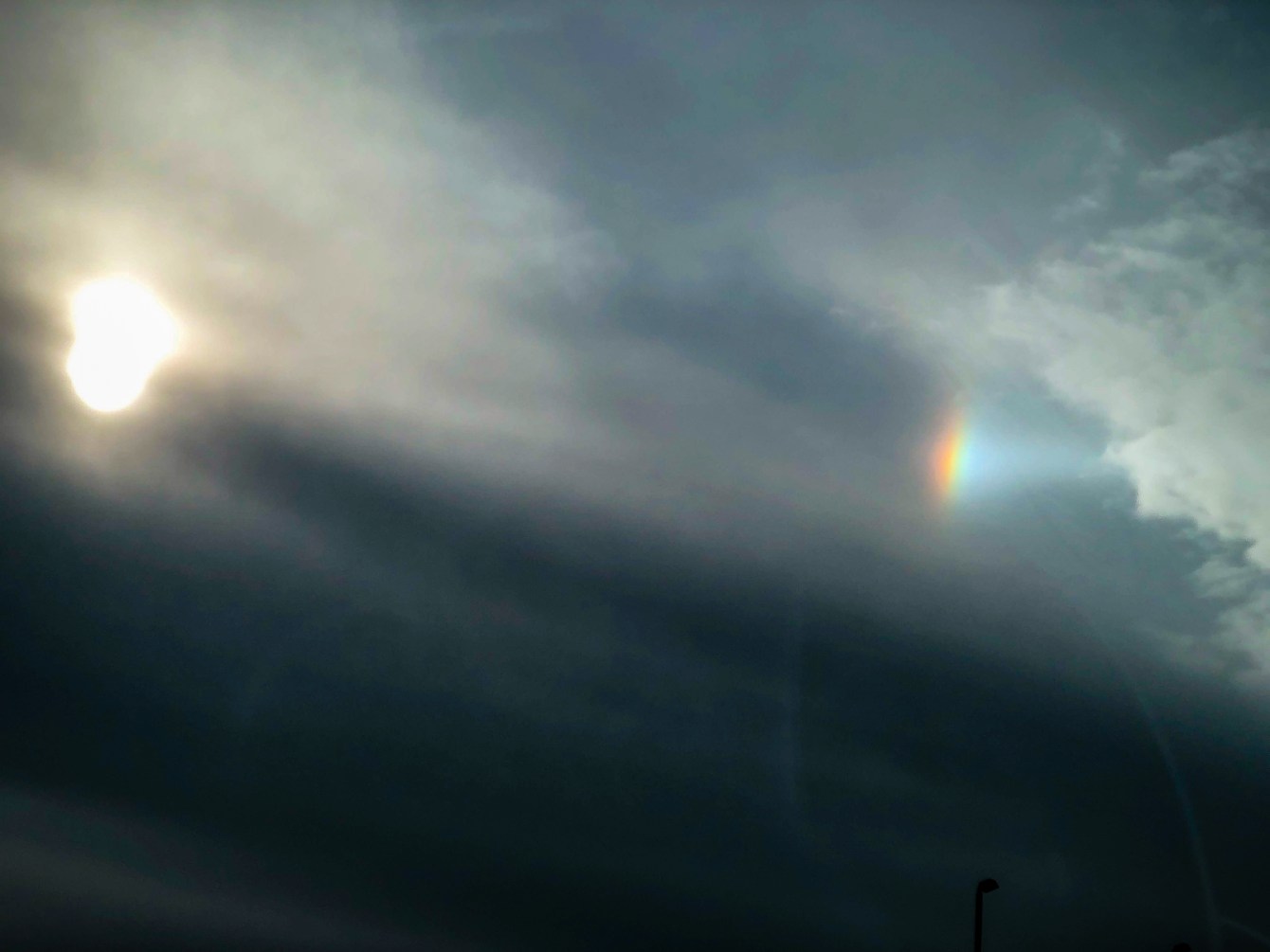
While driving today I noticed some really strong sun dogs and I just had to take a picture 🙂
It’s edited a little bit to help make it clearer through my car window, but it was still awesome!

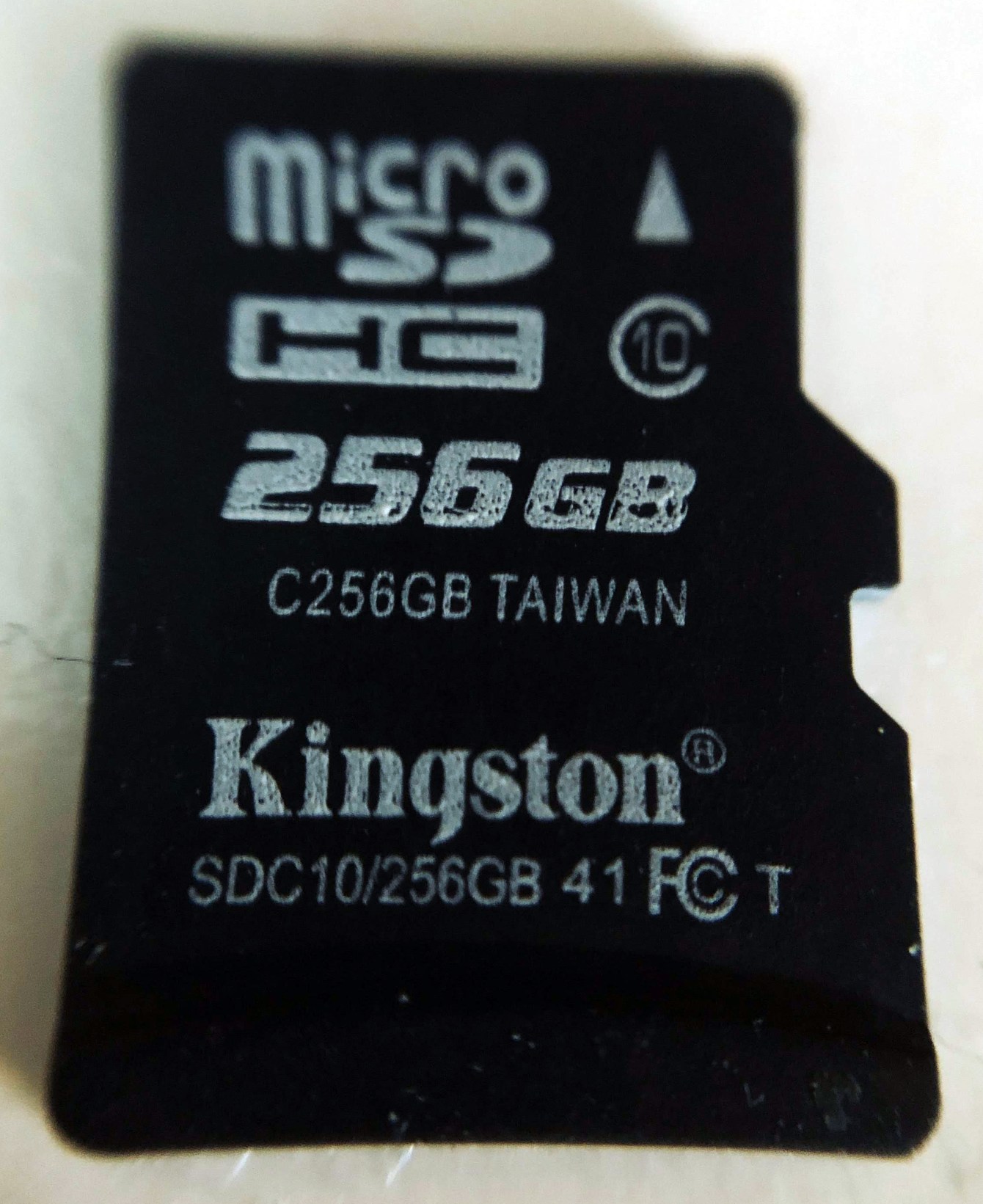
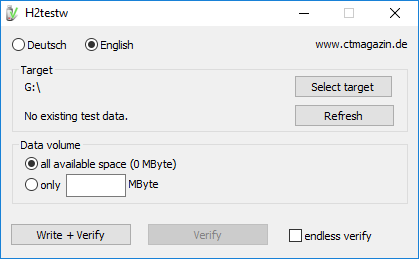
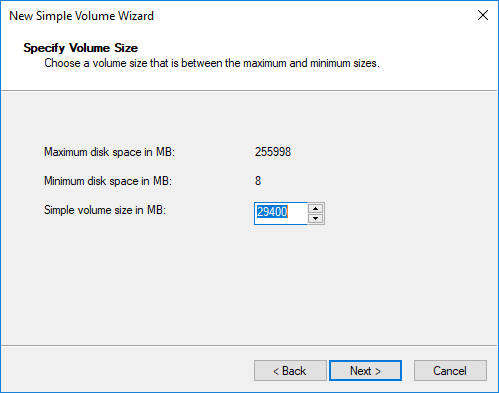
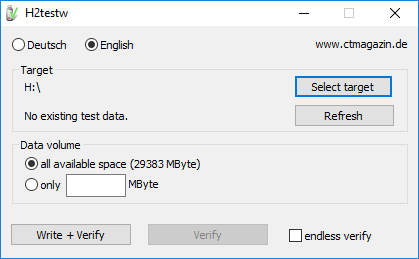
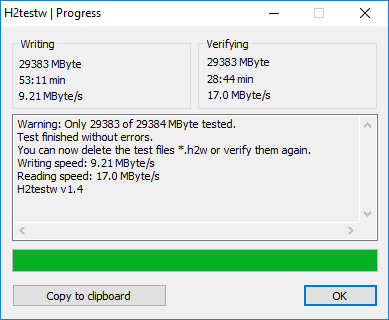
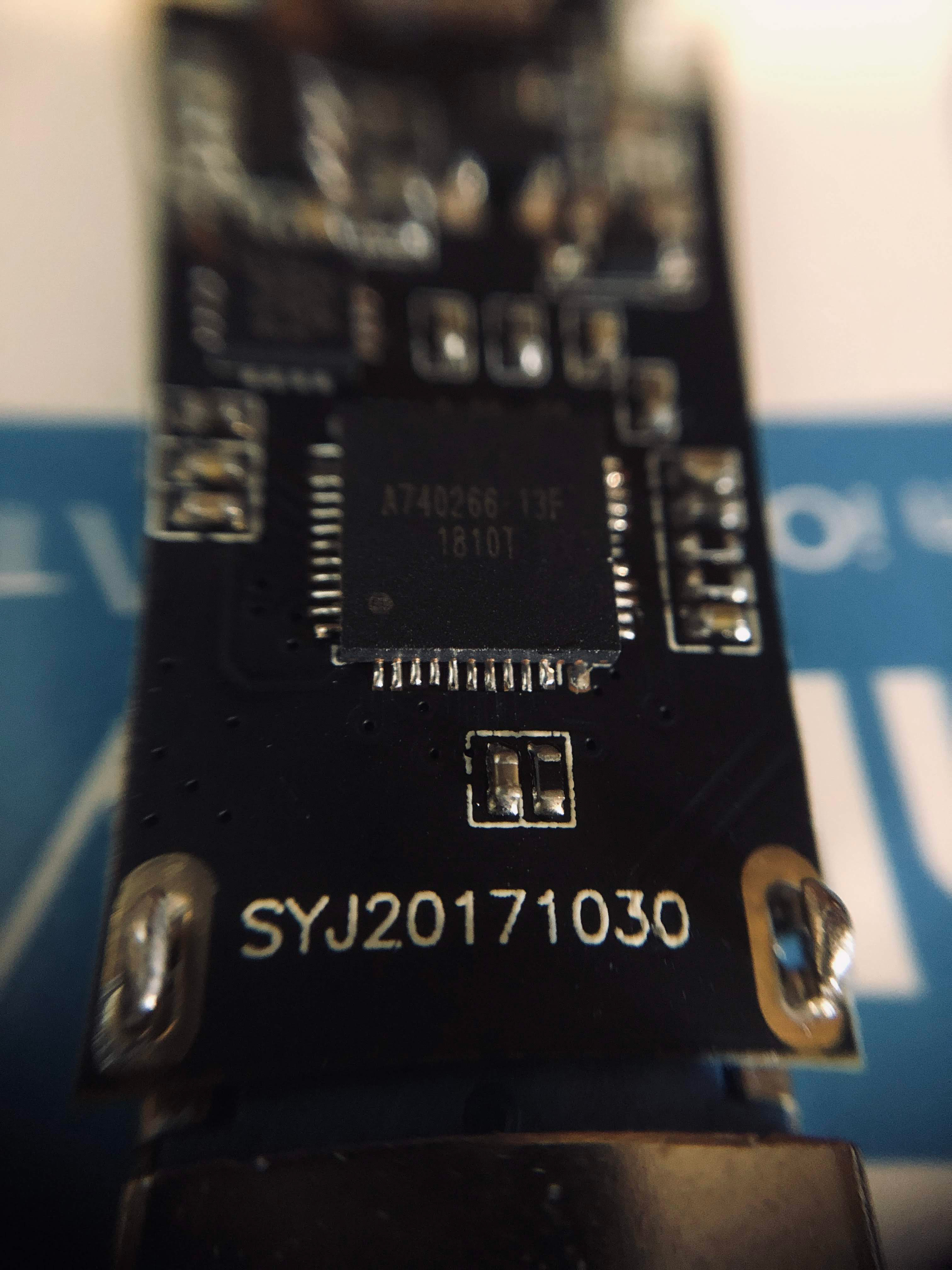
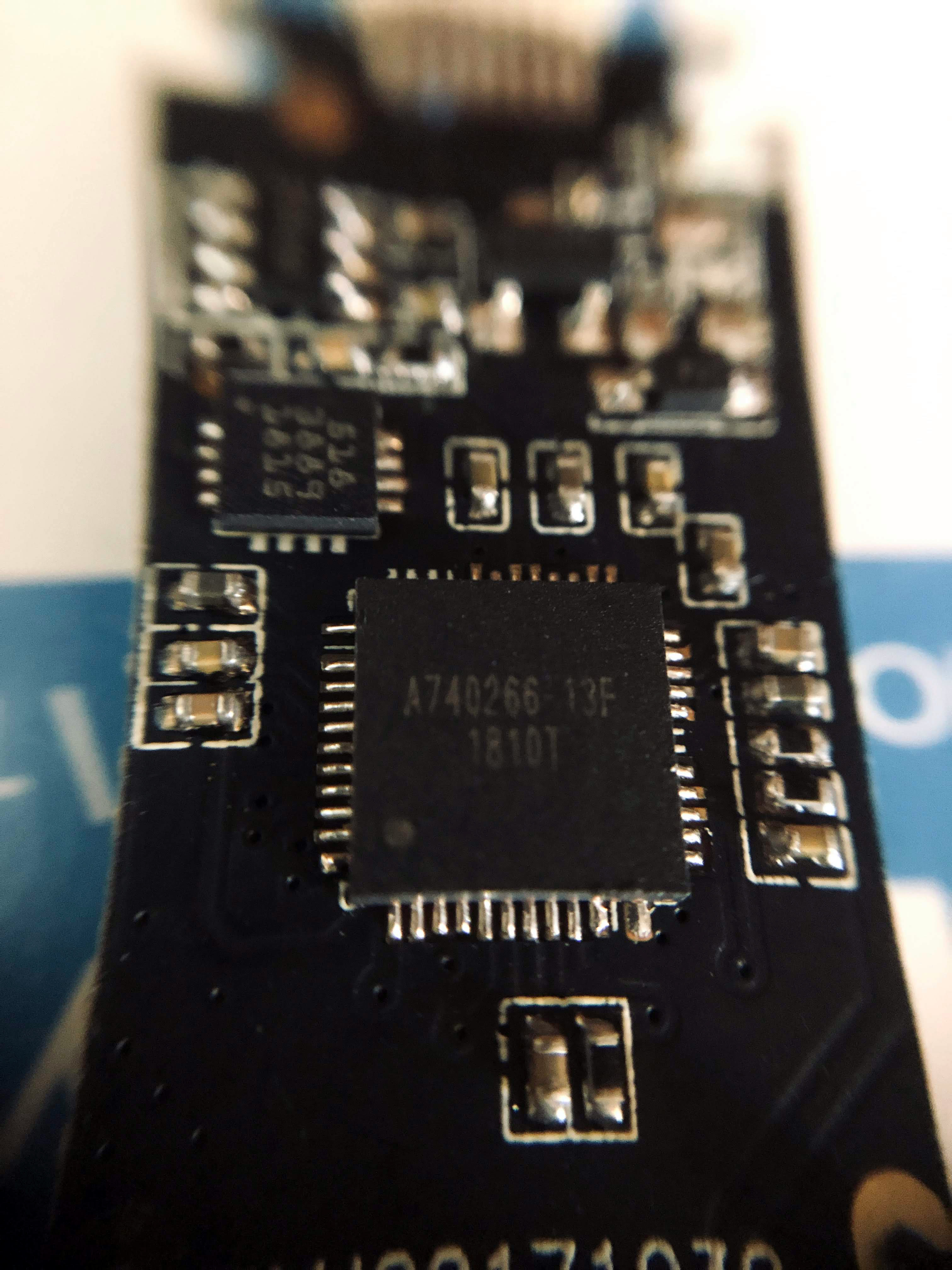
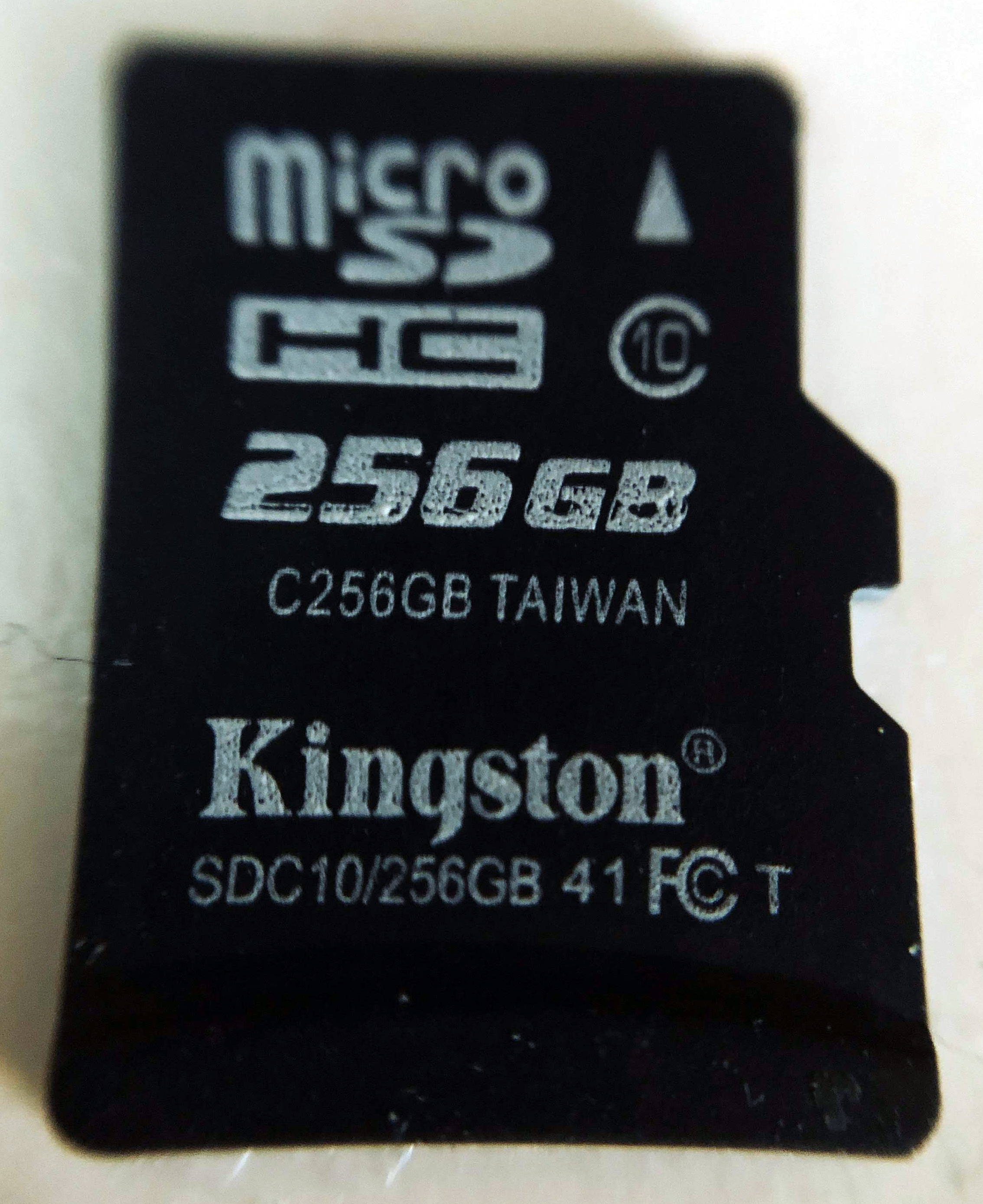
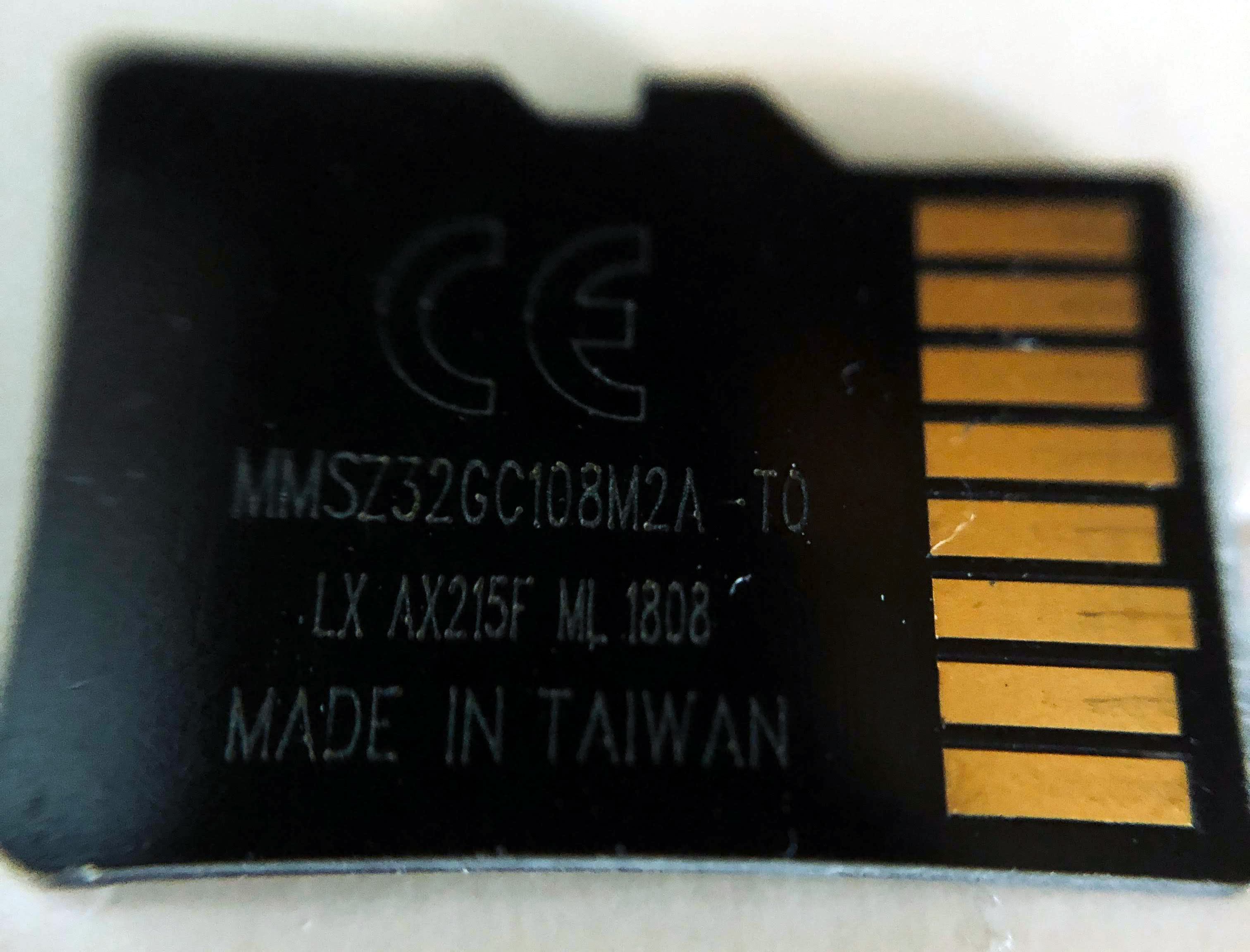
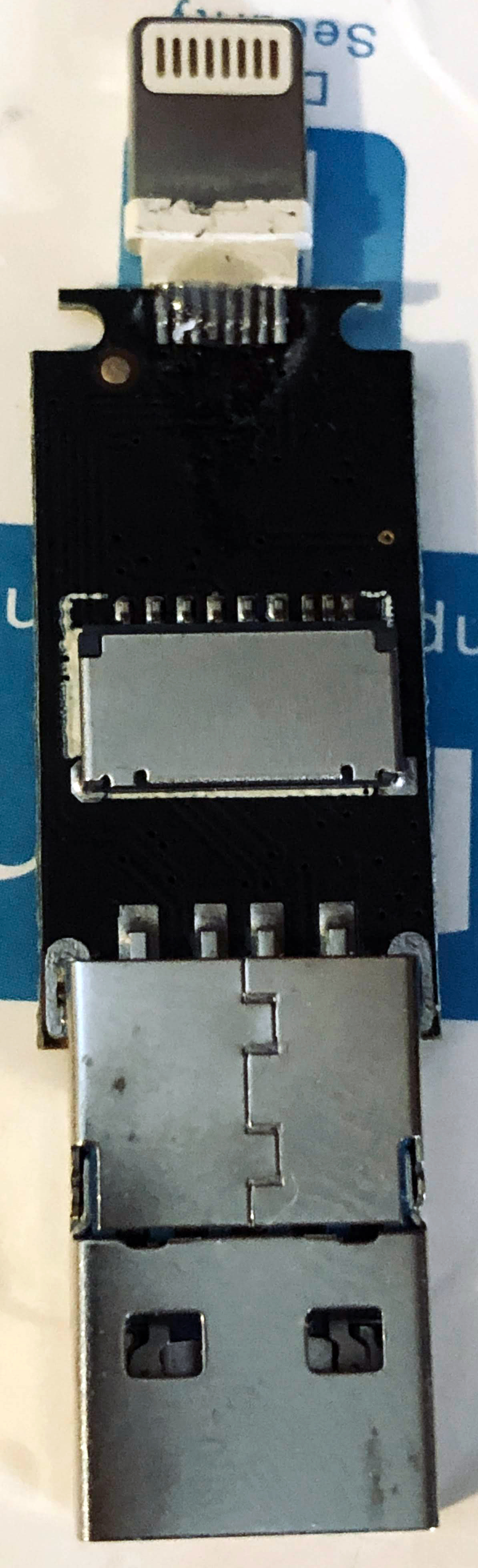
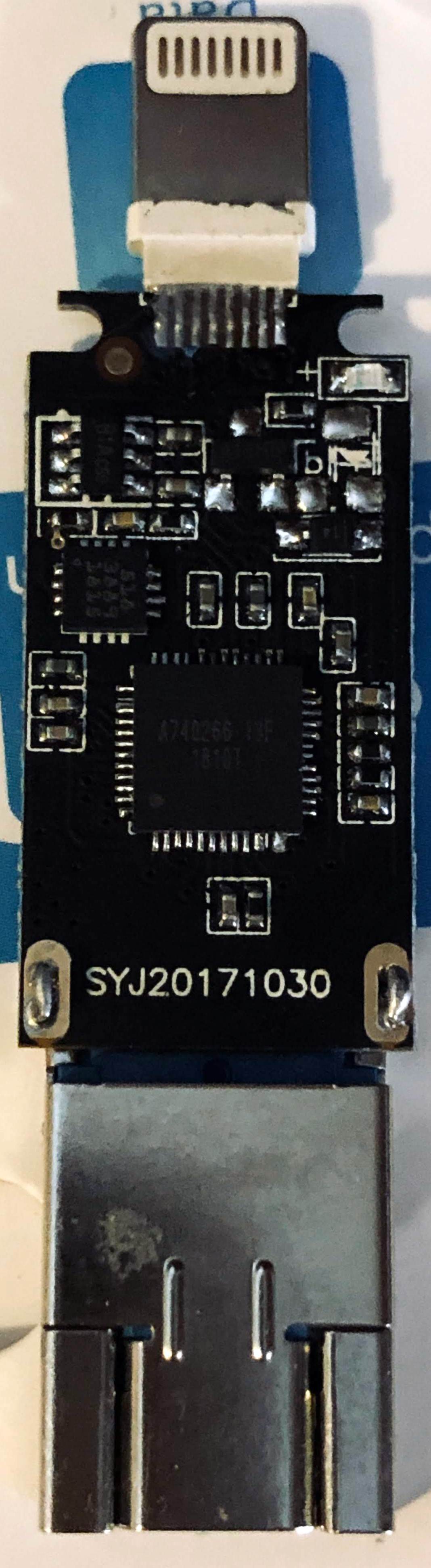
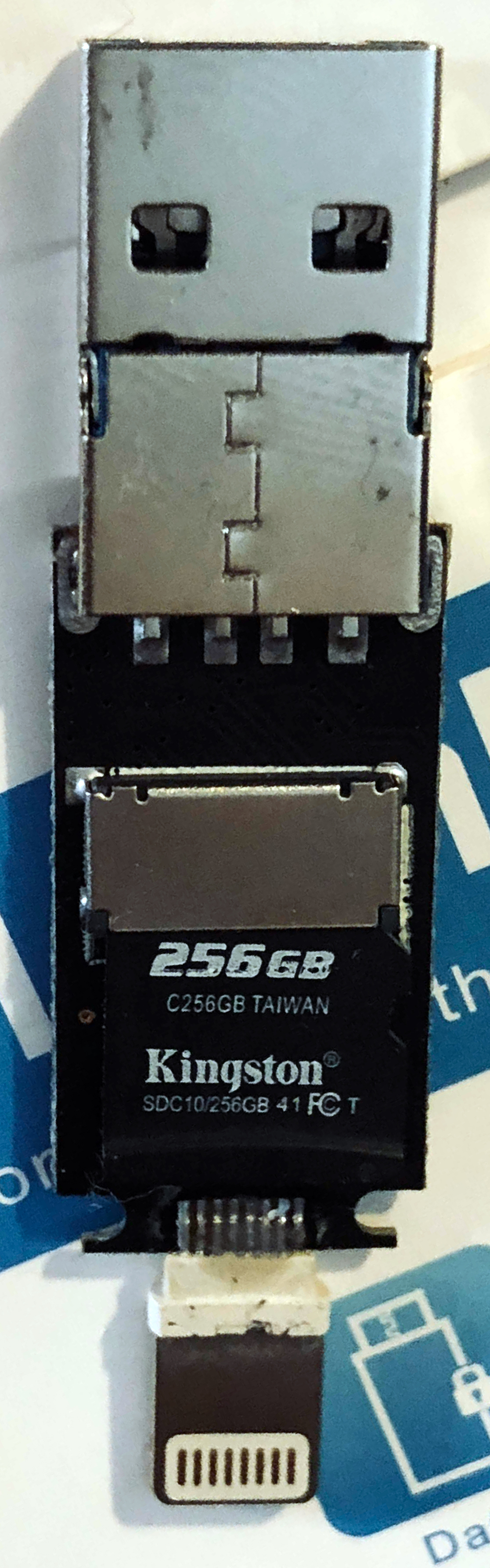
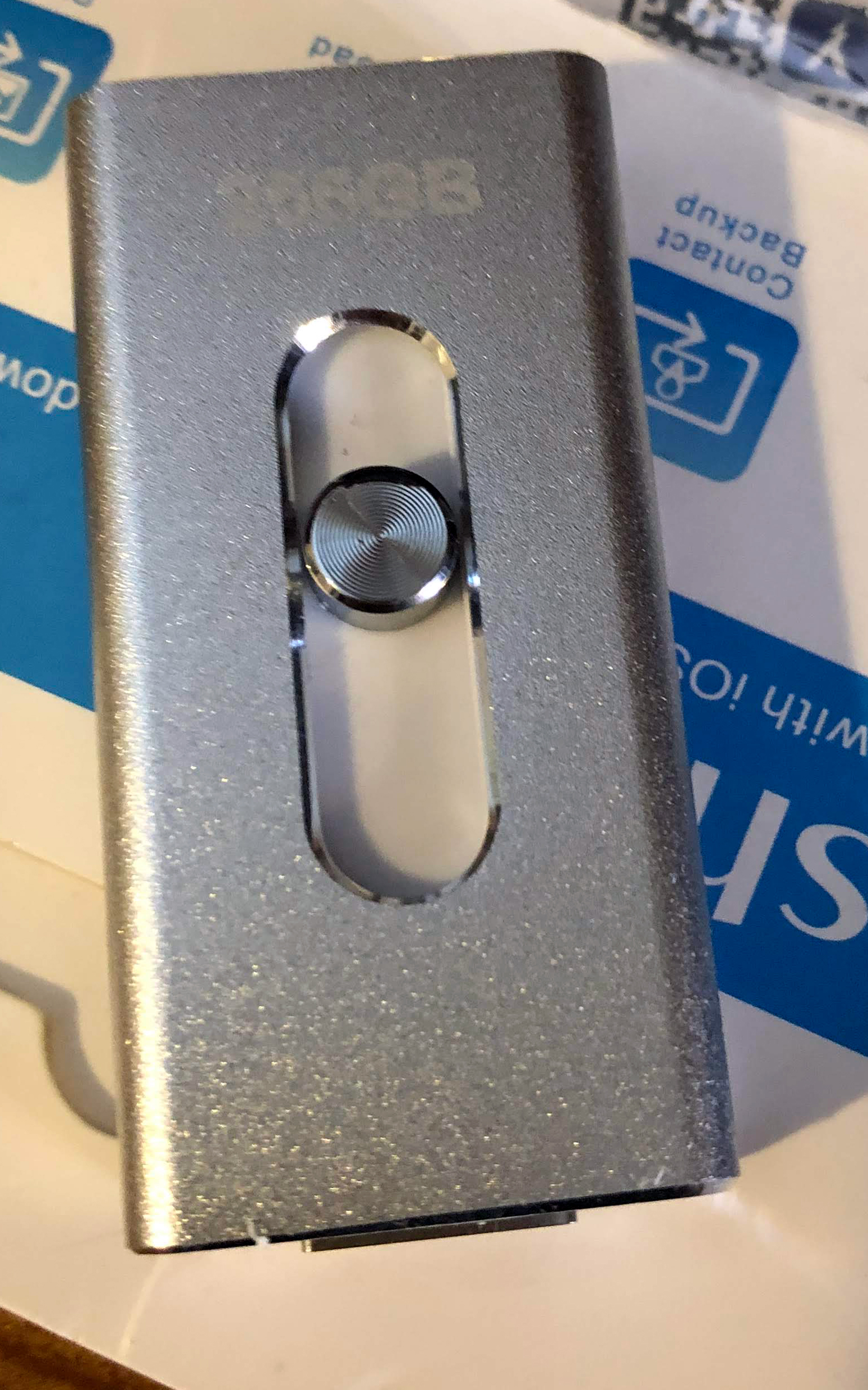
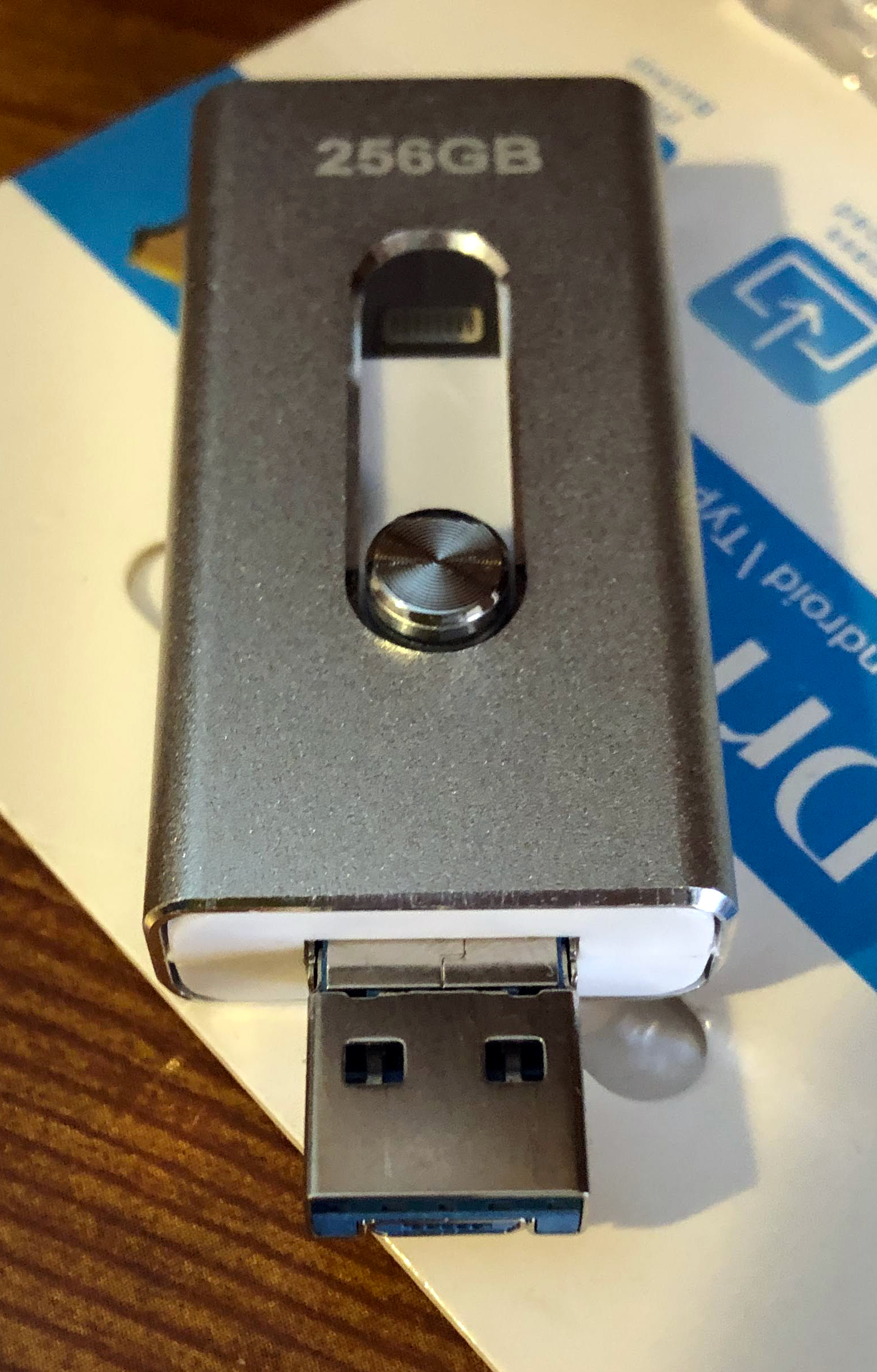
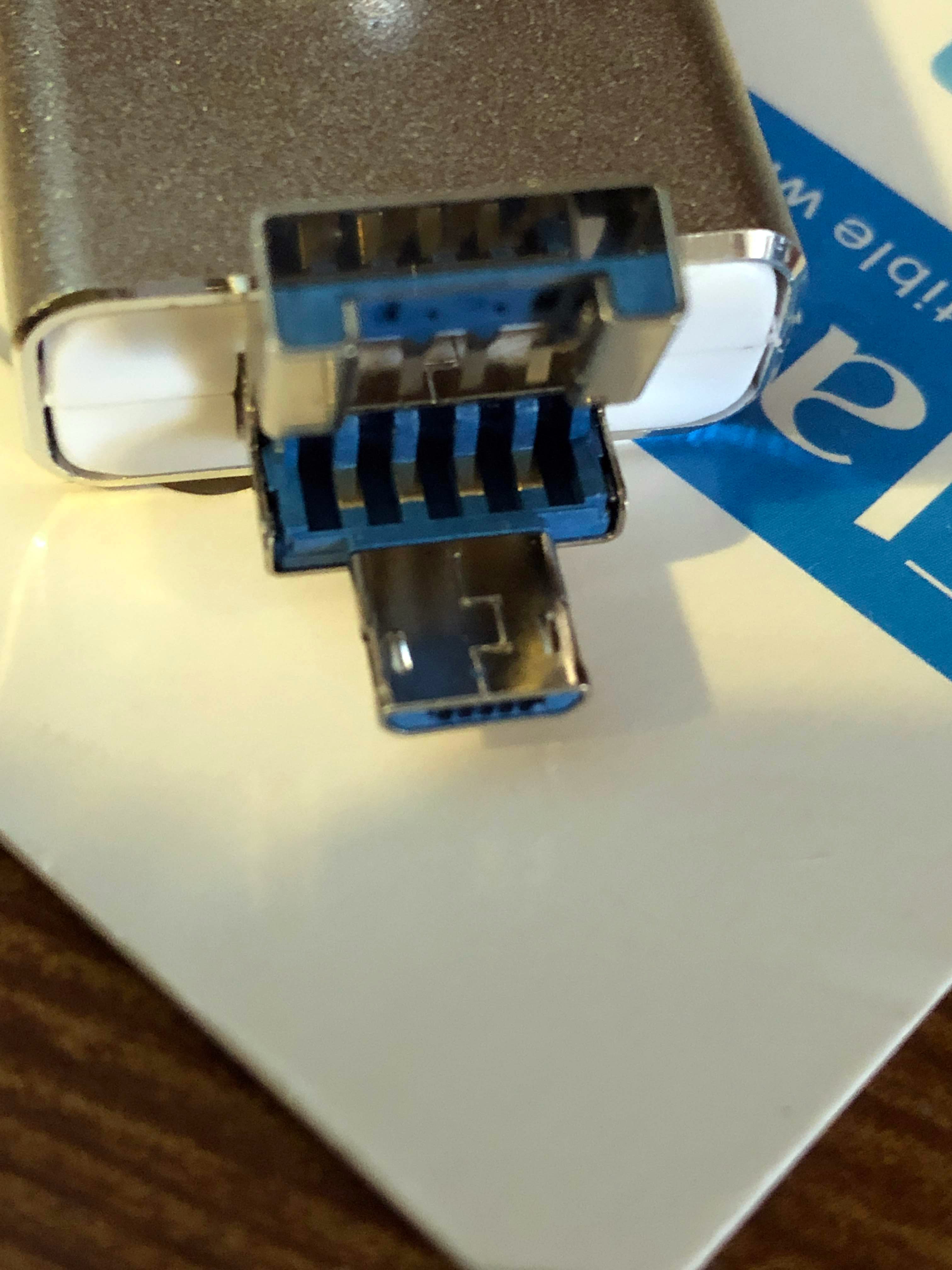
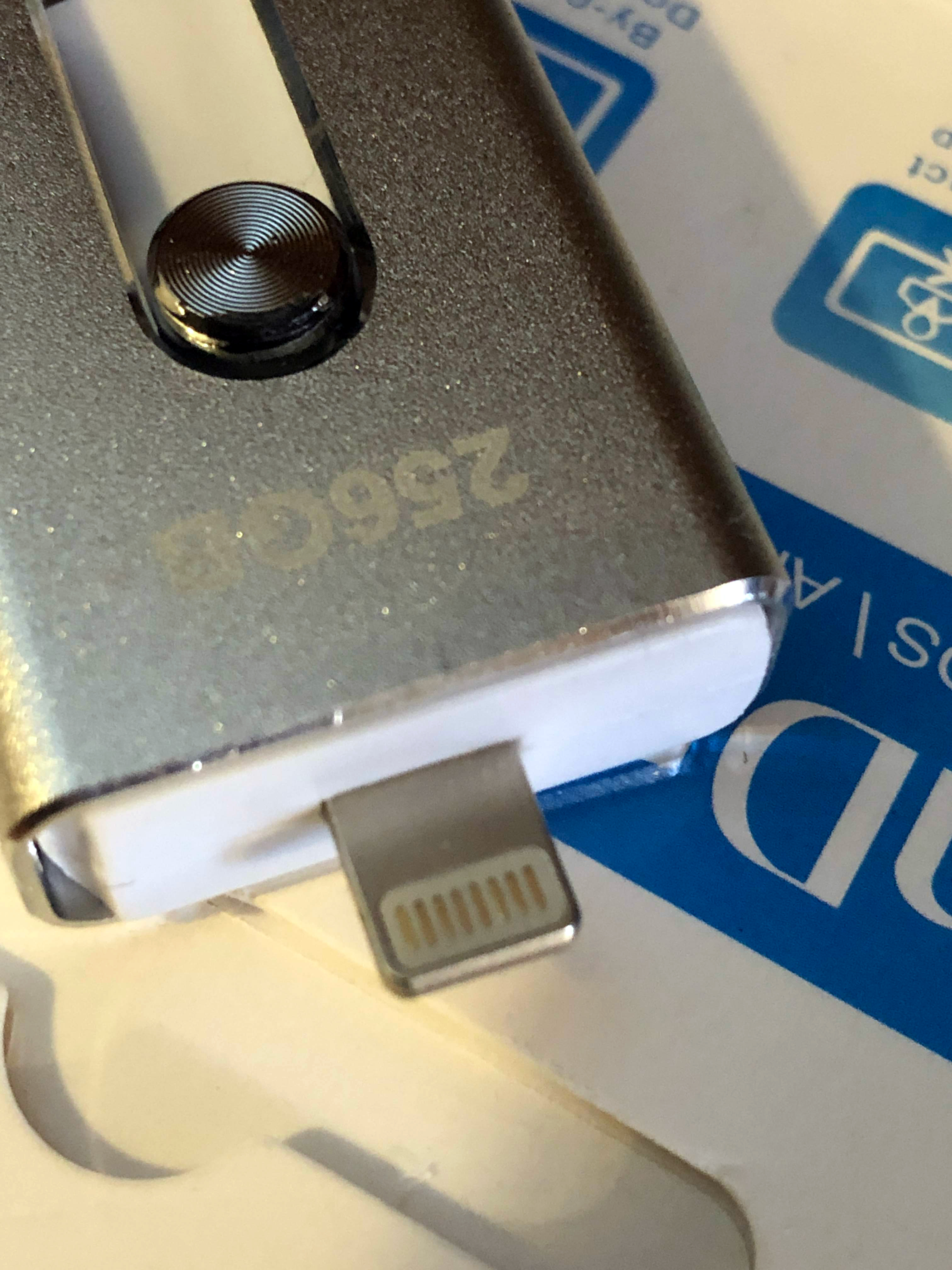
Like last time, I’ve come into ownership of a suspicious flash drive that holds a secret: It’s actually a micro SD card and reader… and completely broken 🙂
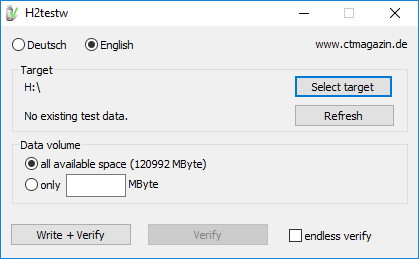
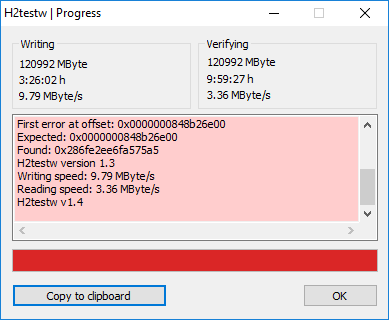
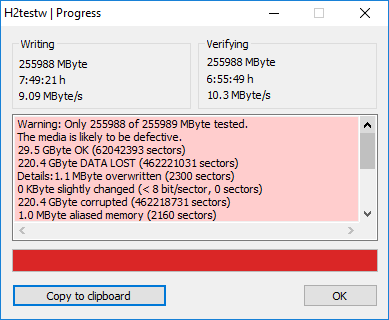
Warning: Only 120992 of 120993 MByte tested.
The media is likely to be defective.
33.1 GByte OK (69490999 sectors)
85.0 GByte DATA LOST (178300617 sectors)
Details:371.5 KByte overwritten (743 sectors)
0 KByte slightly changed (< 8 bit/sector, 0 sectors)
85.0 GByte corrupted (178299874 sectors)
371.5 KByte aliased memory (743 sectors)
First error at offset: 0x0000000848b26e00
Expected: 0x0000000848b26e00
Found: 0x286fe2ee6fa575a5
H2testw version 1.3
Writing speed: 9.79 MByte/s
Reading speed: 3.36 MByte/s
H2testw v1.4



If you’re hosting your WordPress website on DreamHost, and use their cron system to offload your WordPress faux-cron for better reliability, be careful of what version of PHP you have in your code.
I recently had an issue where my cron events weren’t firing, and after enabling email output, I ended up with something like this PHP error message:
Parse error: syntax error, unexpected '?' in /path/to/file.php on line 123
It turns out that WP-CLI was running PHP 5.x via the DreamHost cron system. I had PHP 7.x specific code in my theme.
To fix this, I had to set the WP_CLI_PHP environment variable in my cron job:
export WP_CLI_PHP=/usr/local/php72/bin/php
wp cron event run --due-now --path=/home/path/to/wp/ --url=https://example.com/Code language: JavaScript (javascript)