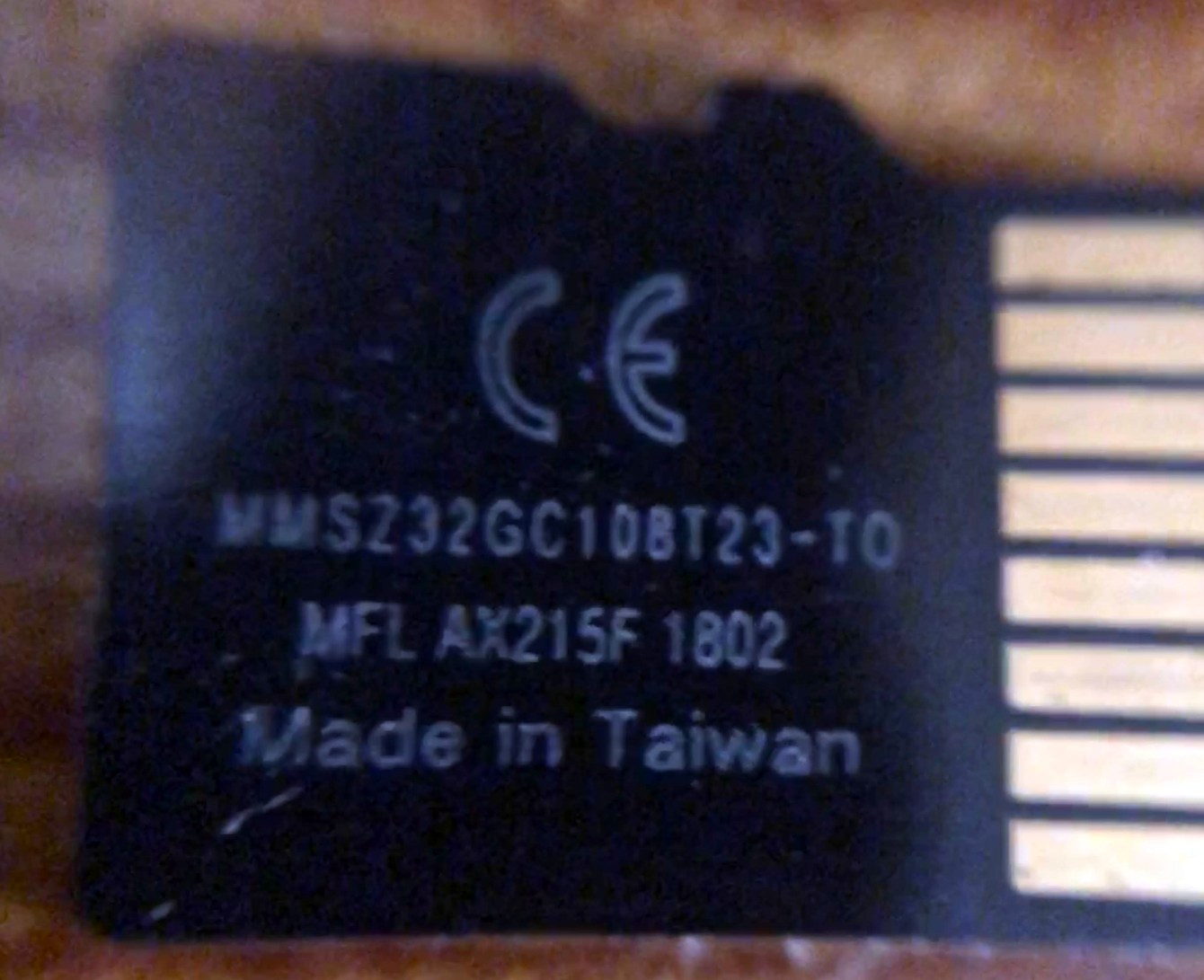
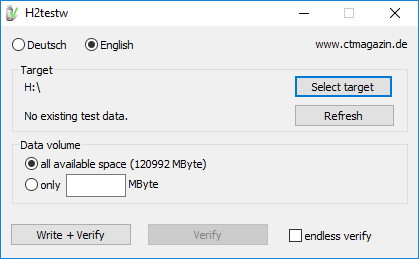
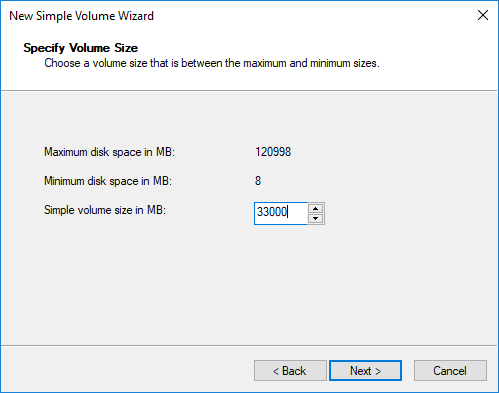
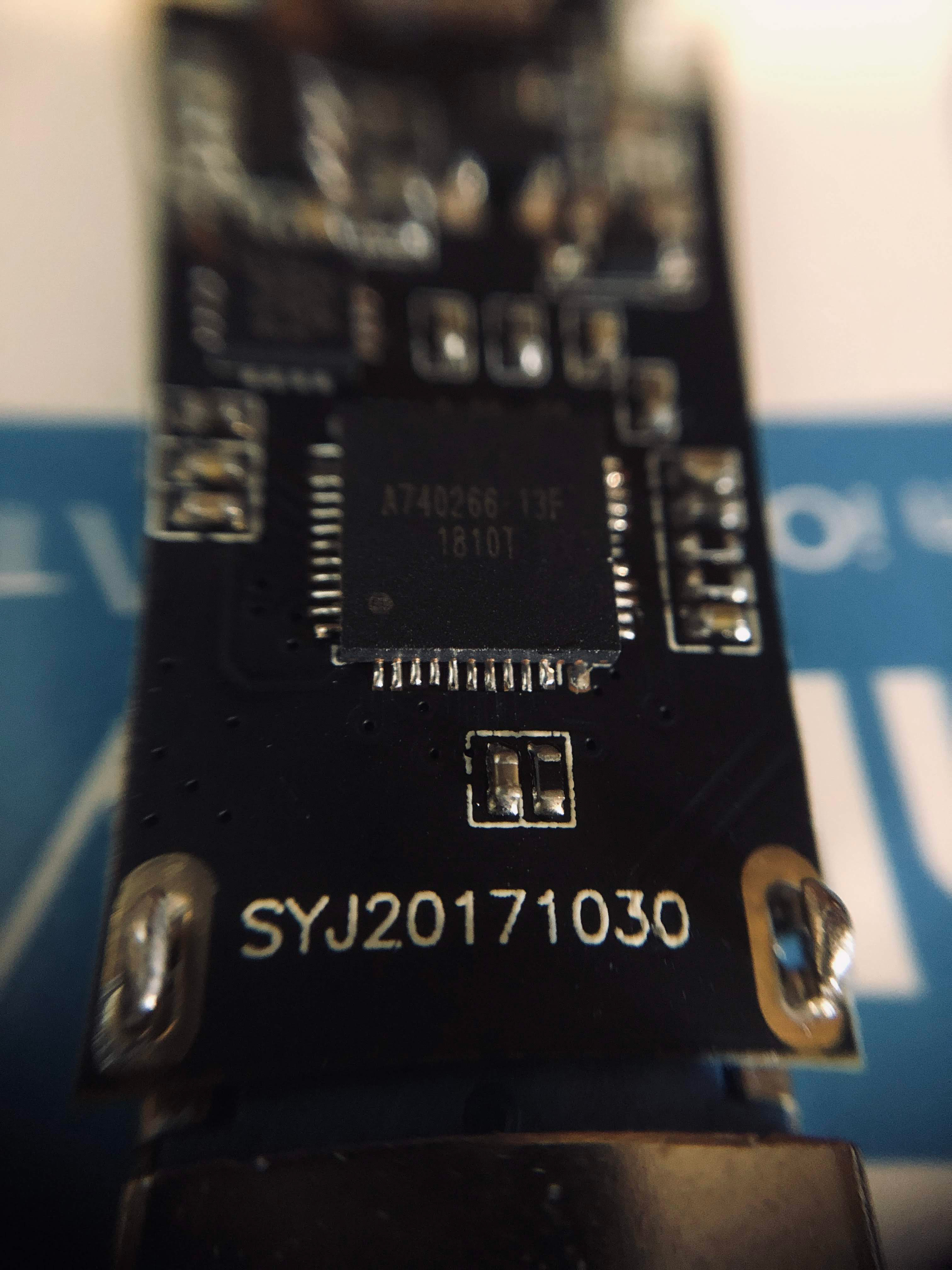
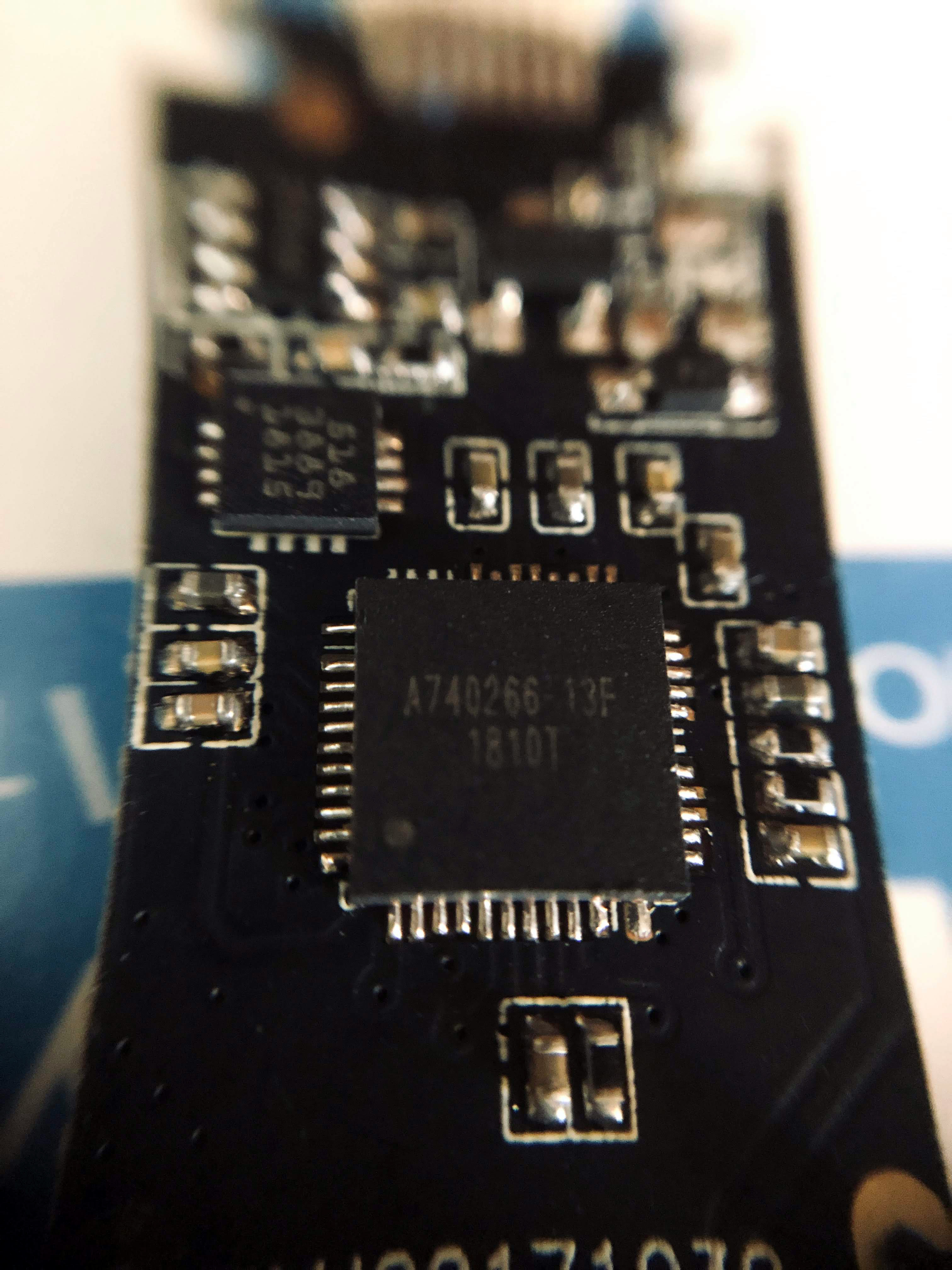
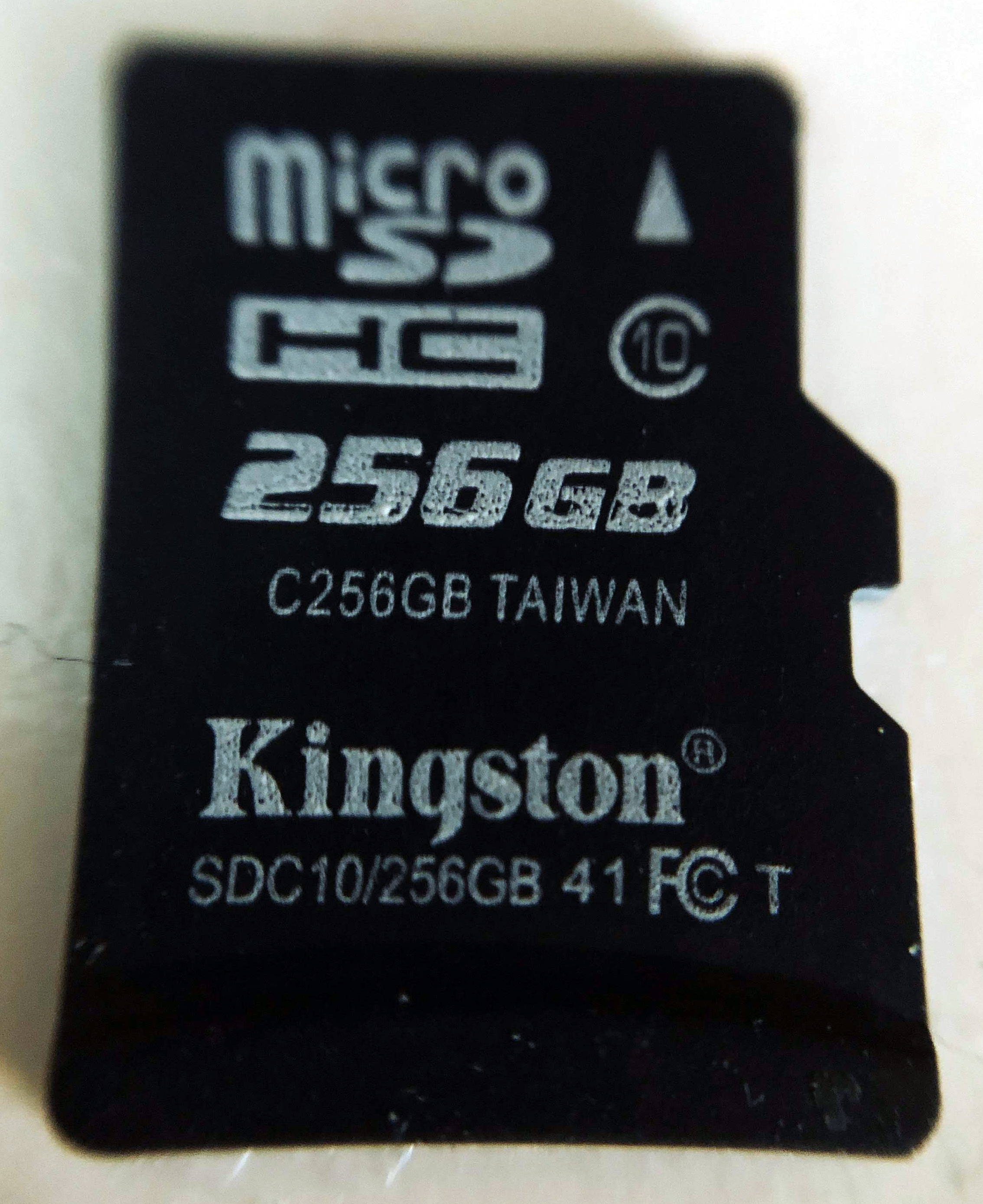
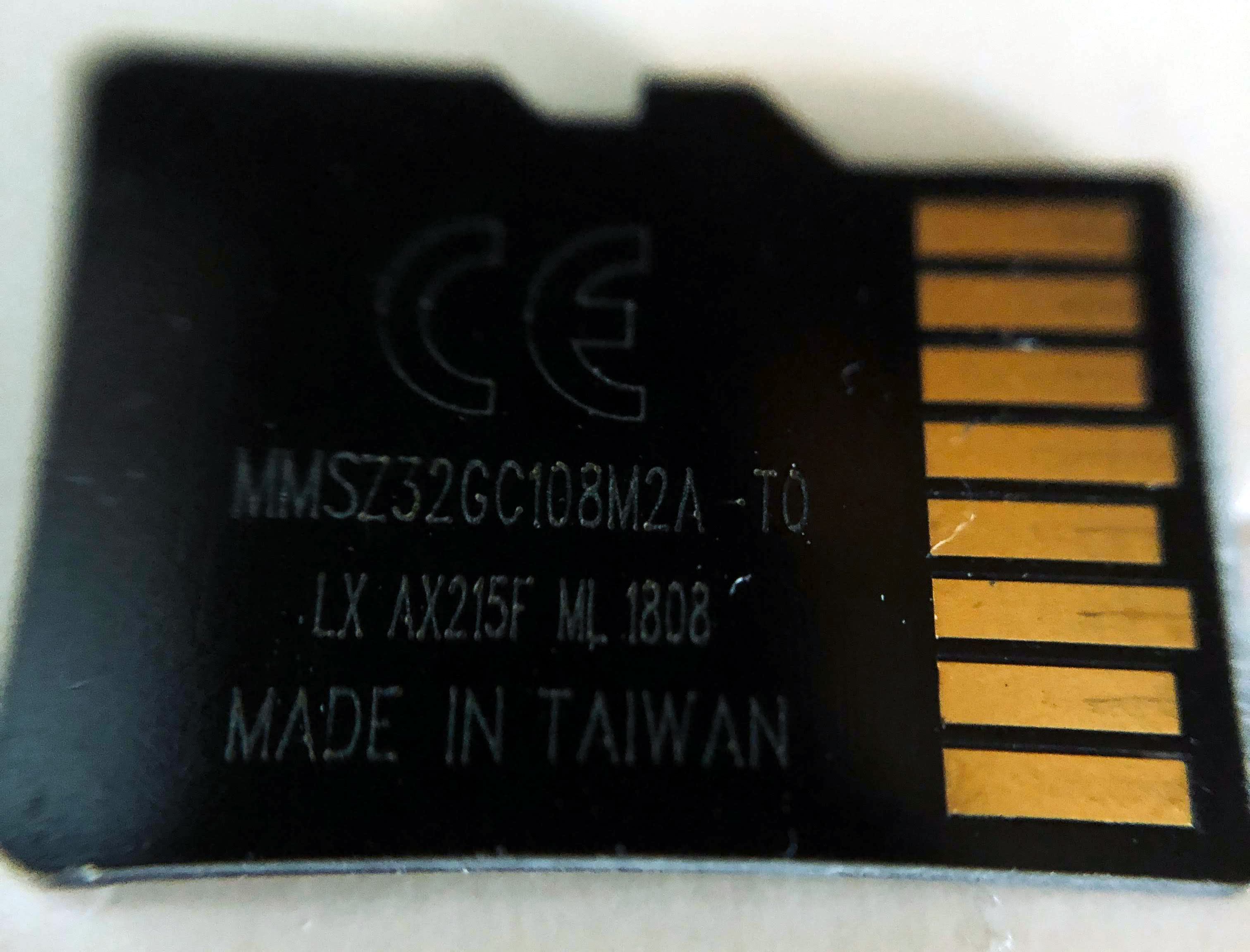
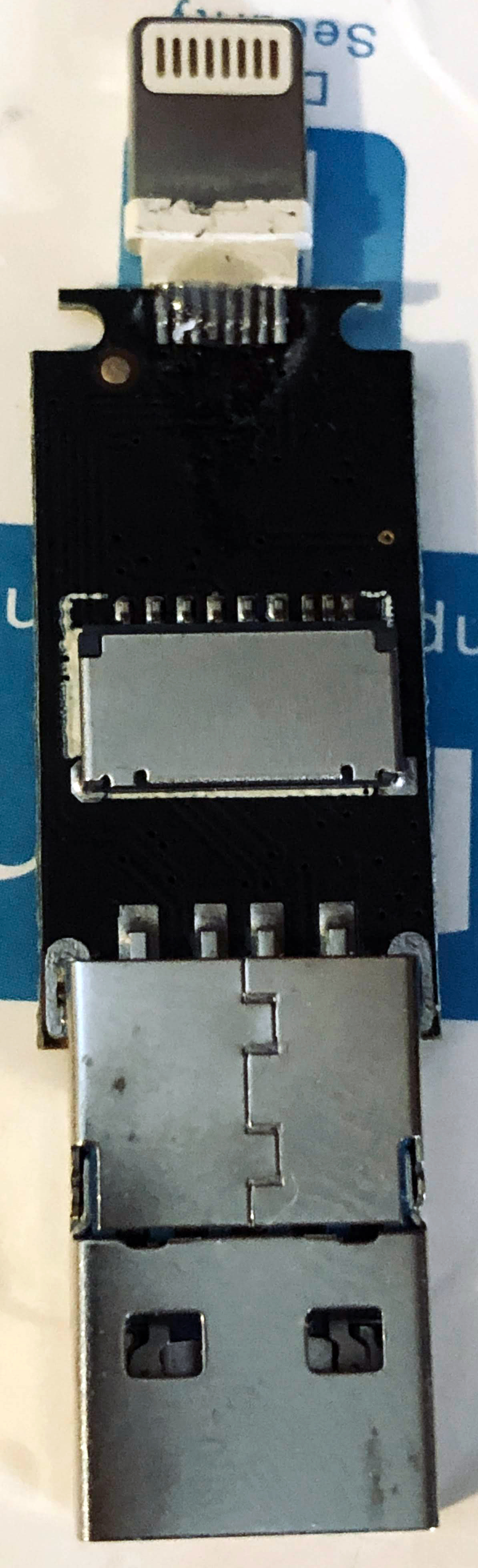
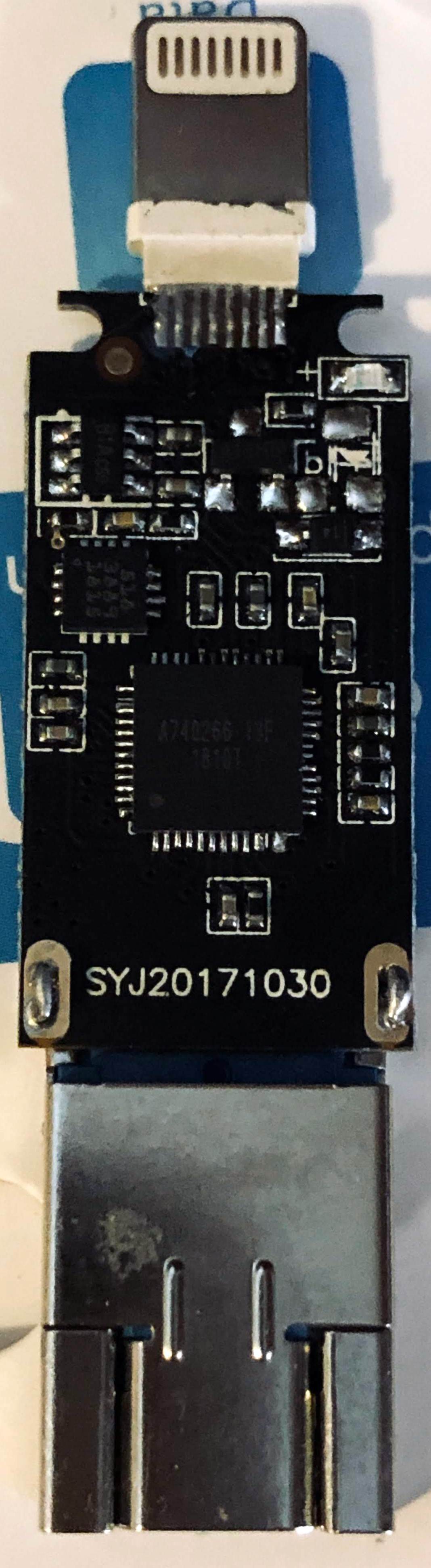
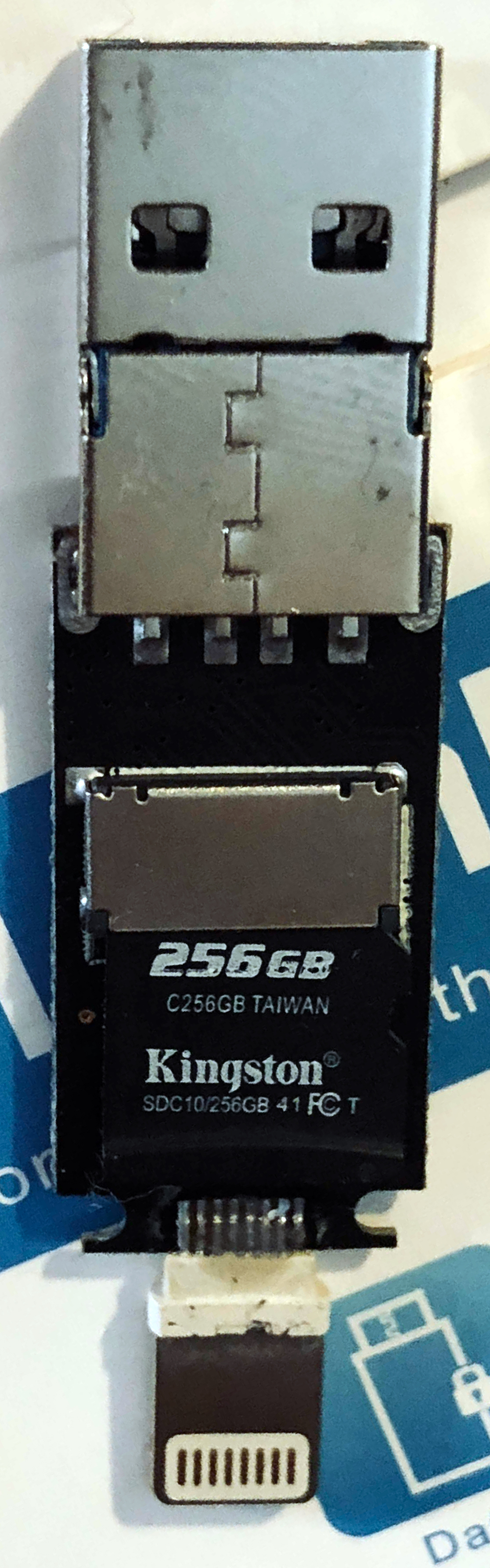
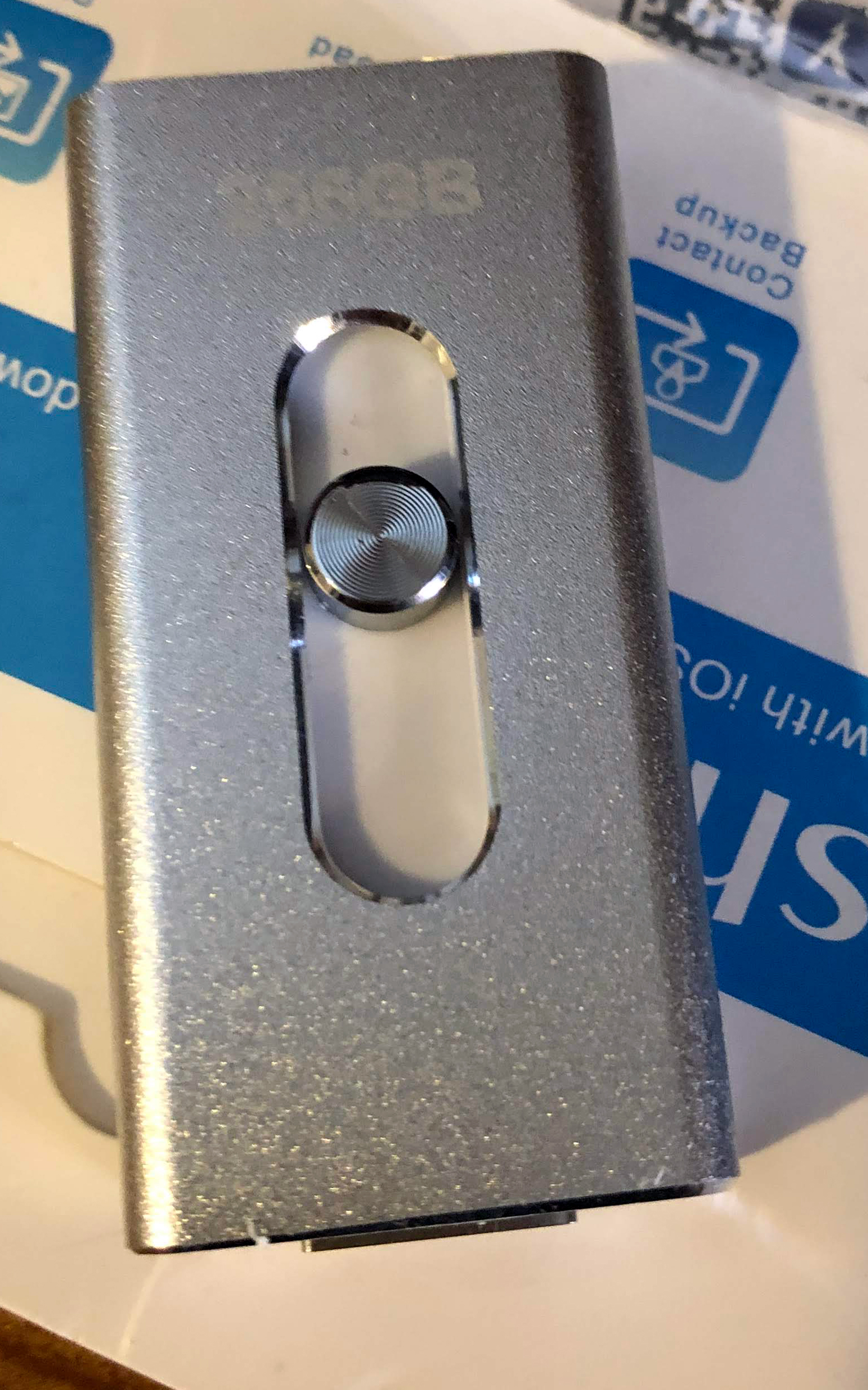
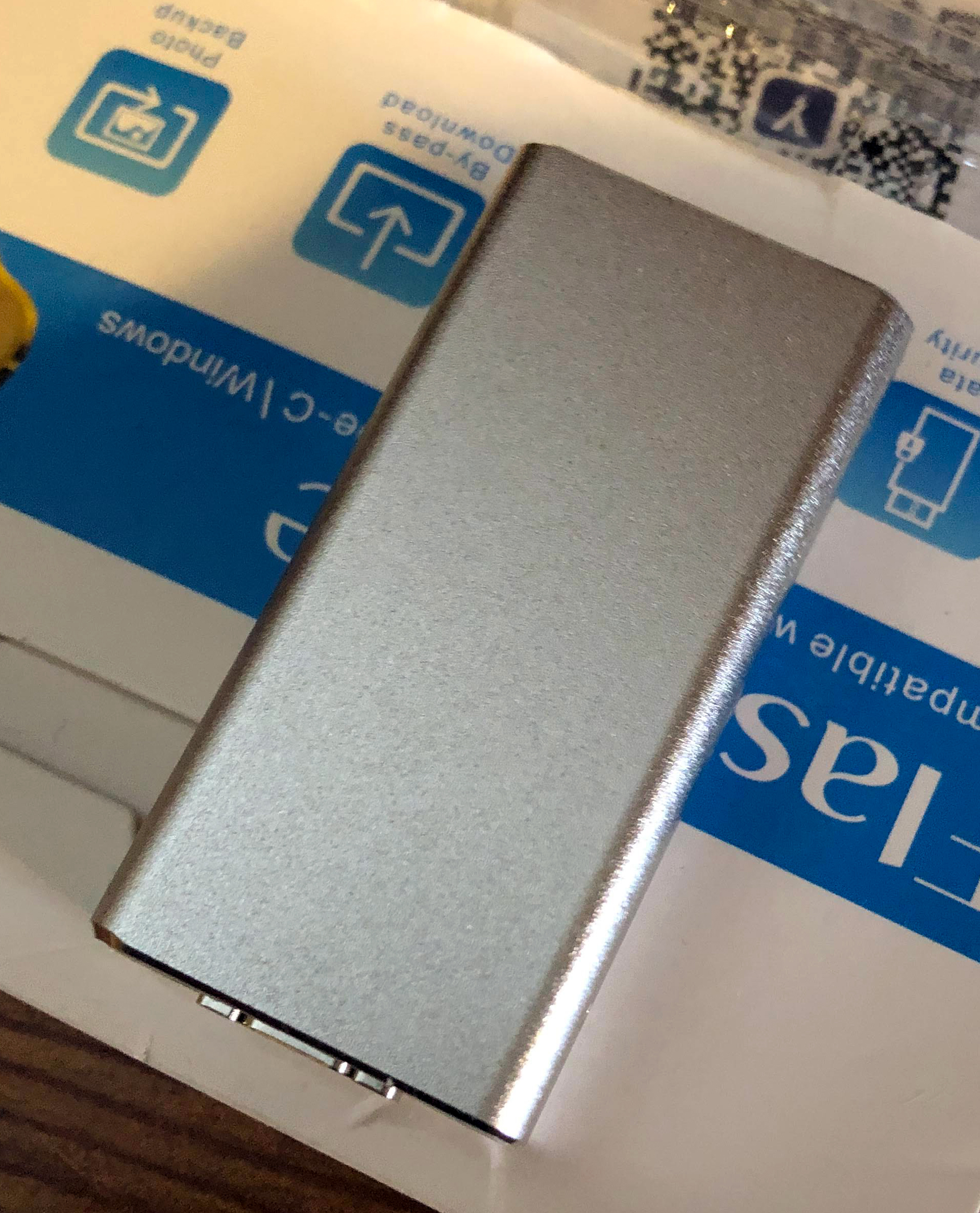
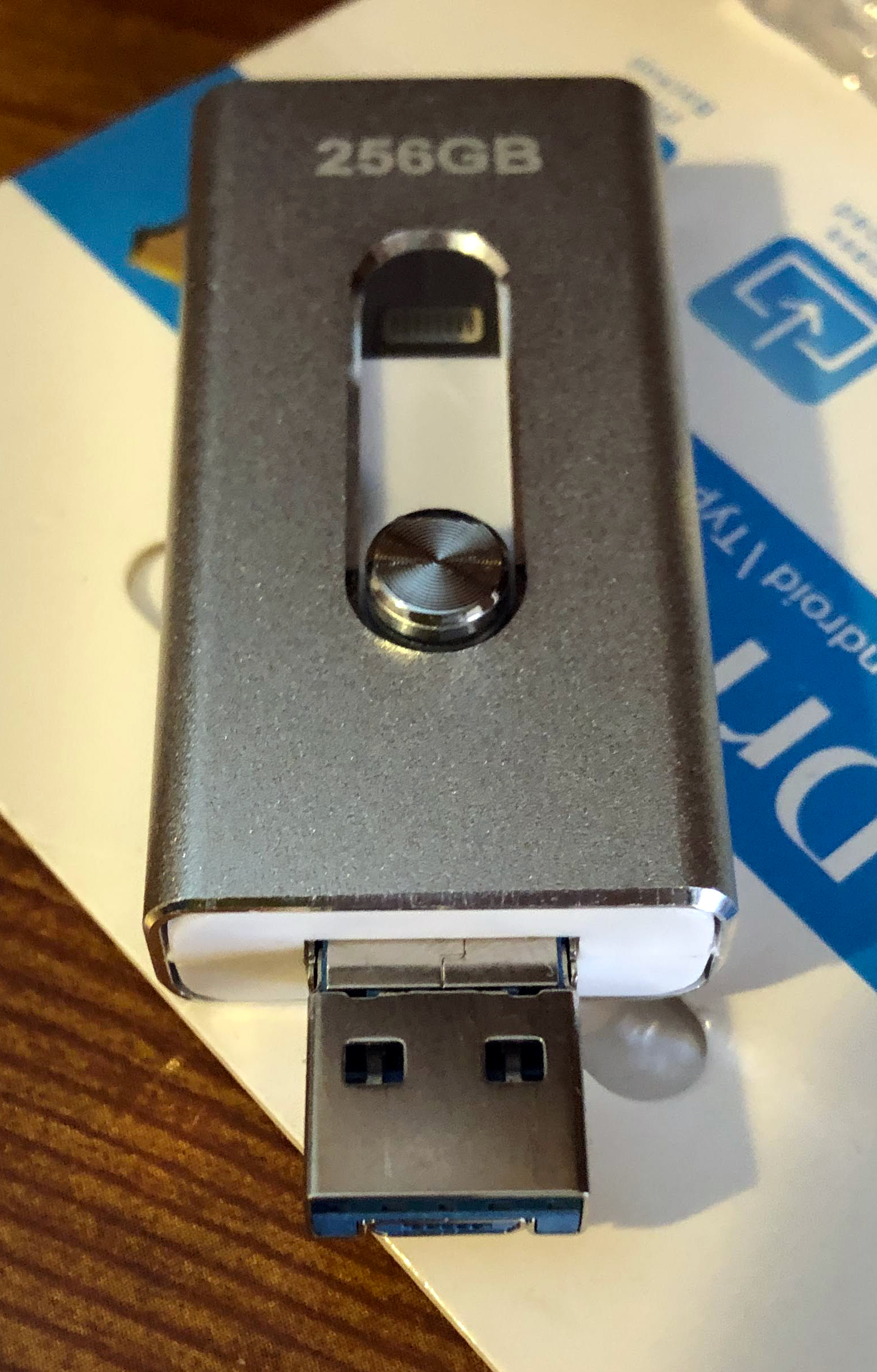
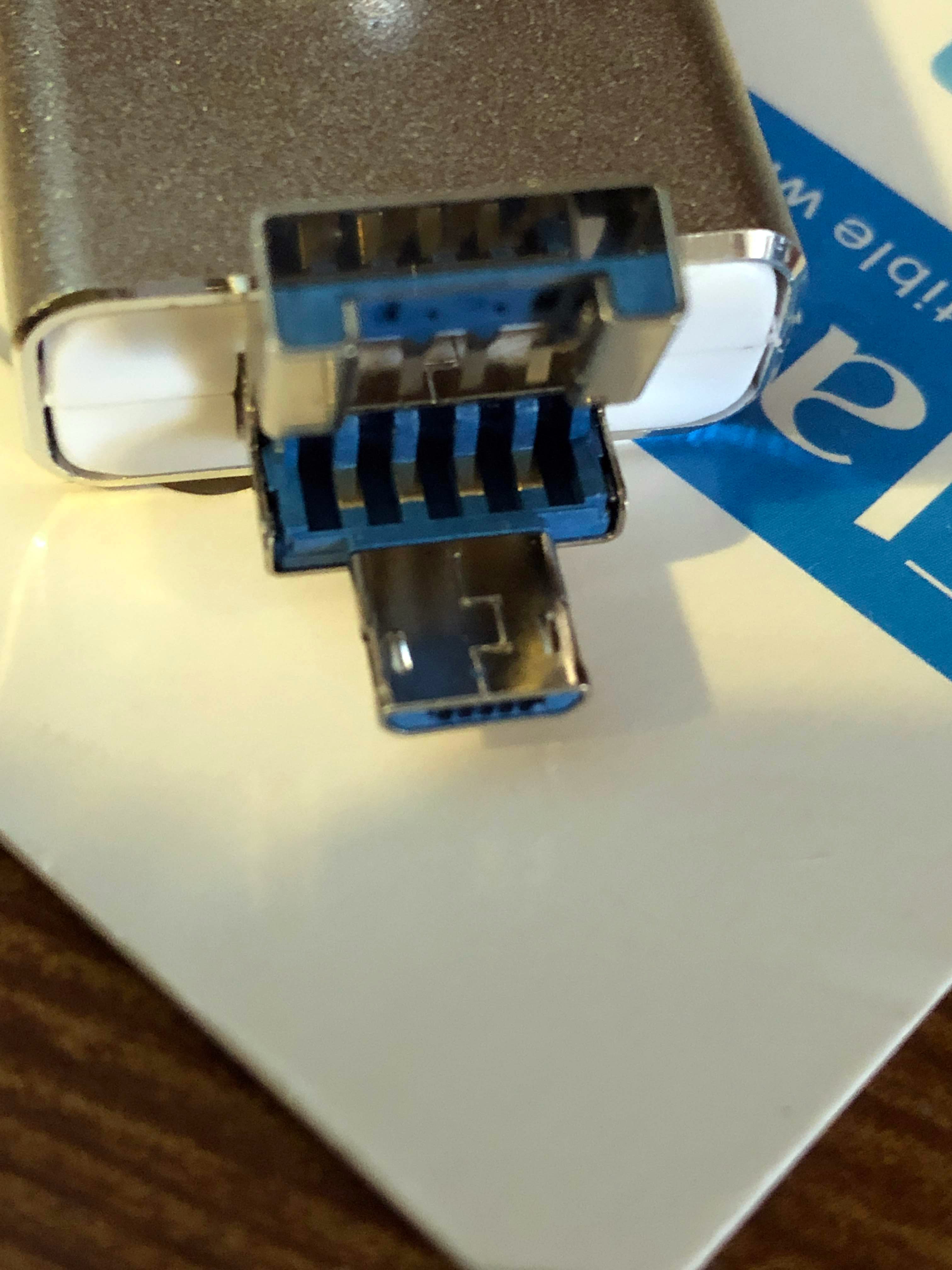
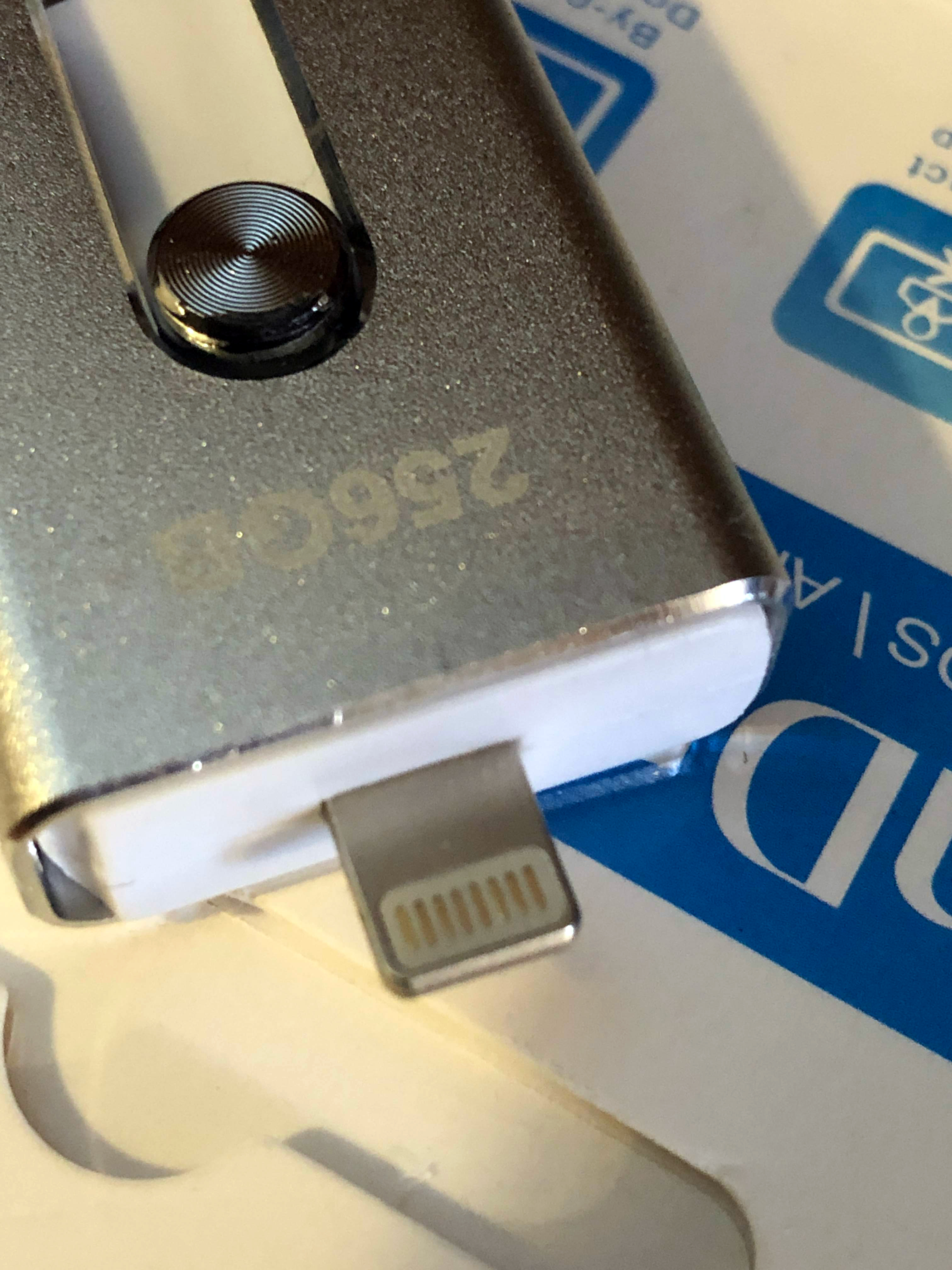
Like last time, I’ve come into ownership of a suspicious flash drive that holds a secret: It’s actually a micro SD card and reader… and completely broken 🙂
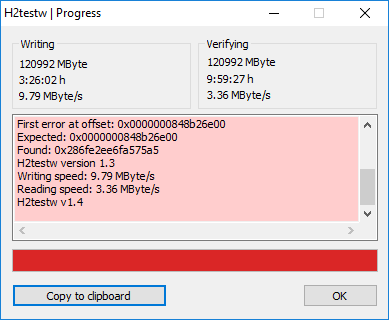
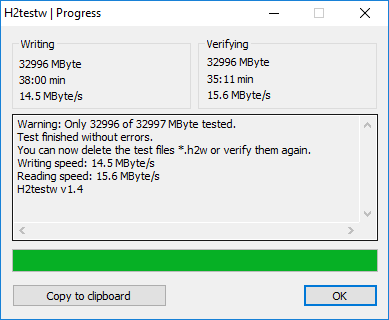
Warning: Only 120992 of 120993 MByte tested.
The media is likely to be defective.
33.1 GByte OK (69490999 sectors)
85.0 GByte DATA LOST (178300617 sectors)
Details:371.5 KByte overwritten (743 sectors)
0 KByte slightly changed (< 8 bit/sector, 0 sectors)
85.0 GByte corrupted (178299874 sectors)
371.5 KByte aliased memory (743 sectors)
First error at offset: 0x0000000848b26e00
Expected: 0x0000000848b26e00
Found: 0x286fe2ee6fa575a5
H2testw version 1.3
Writing speed: 9.79 MByte/s
Reading speed: 3.36 MByte/s
H2testw v1.4
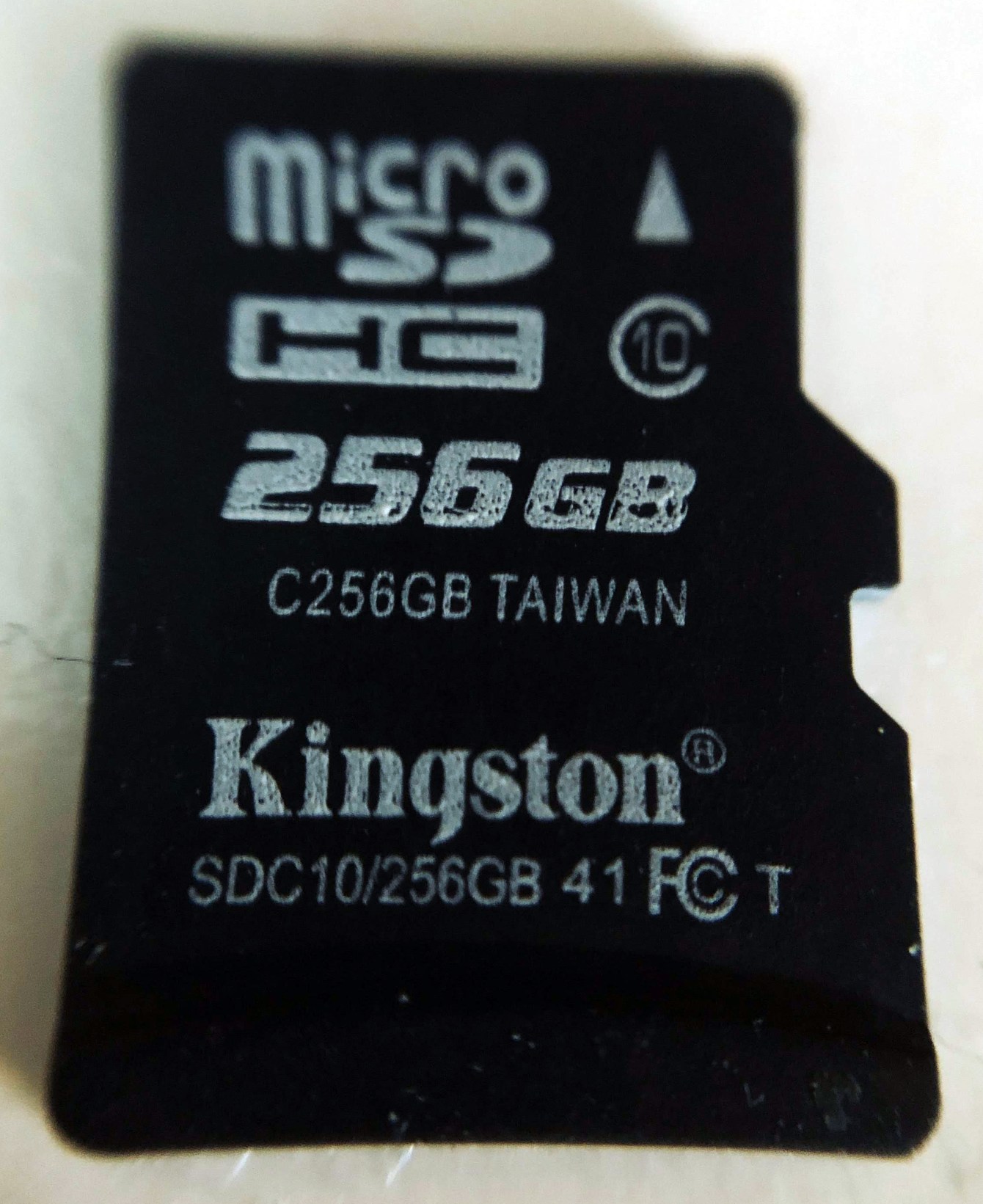
I recently purchased a “256 GB” flash drive for $3. I knew this had to be fake, but I was also curious about how it worked. It turns out that there was a “256 GB” micro SD card inside of it and I’m pretty sure that’s fake.
I didn’t get this on Amazon, but here’s a link to basically the same generic thing:
Here’s a copy of the Amazon item page as of the writing of this post.
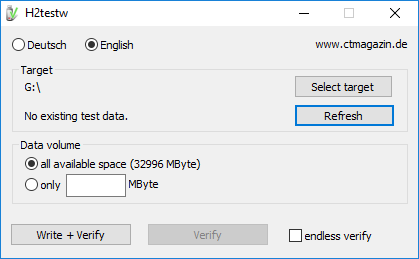
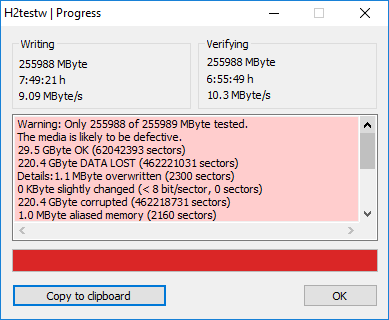
Using the great program H2testw I was able to determine how much actual storage the device had:
Warning: Only 255988 of 255989 MByte tested.
The media is likely to be defective.
29.5 GByte OK (62042393 sectors)
220.4 GByte DATA LOST (462221031 sectors)
Details:1.1 MByte overwritten (2300 sectors)
0 KByte slightly changed (< 8 bit/sector, 0 sectors)
220.4 GByte corrupted (462218731 sectors)
1.0 MByte aliased memory (2160 sectors)
First error at offset: 0x00000007644c3200
Expected: 0x00000007644c3200
Found: 0x0000000000000000
H2testw version 1.3
Writing speed: 9.09 MByte/s
Reading speed: 10.3 MByte/s
H2testw v1.4
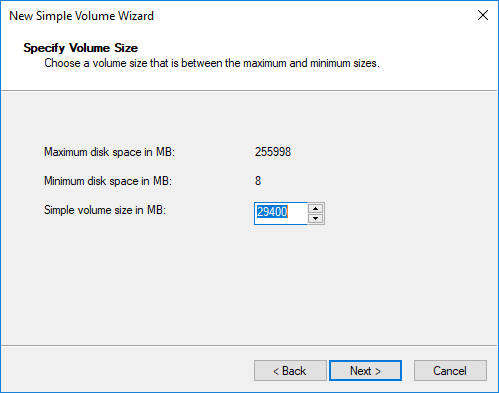
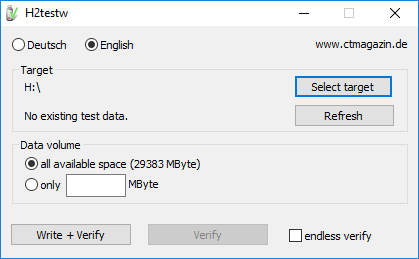
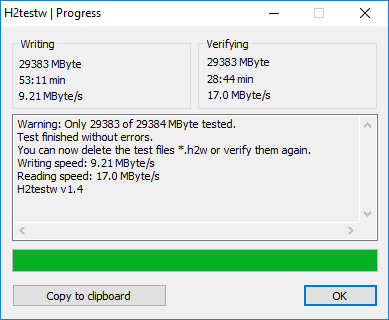
Turns out, it’s a little under 30 gigs. Well, at least I’ve got a good 30 gigs I can use 🙂
Of course, I’m not going to trust this for anything important at all, so I’m going to stick it in my Nintendo Switch to use for extra storage. If it fails, then I’ll just need to re-download any games stored on it. No biggie.
So recently I’ve been hard on the iPhone, with lots of complaints. Truthfully, there are a lot of things that it’s doing right and I really like, such as:
Speed. OMG it’s so fast and smooth!
Camera. Slo-Mo, 4K, HDR, 60fps, and amazing speed and quality.
The app experience is much nicer. Overall apps are higher quality and less buggy. The sad part is this includes Google’s apps. Gmail on the iPhone is very nice, with some cool features, for example.
Accessories. With a single hardware design, accessories are normalized and very cheap and easy to find.
Night Mode. The Google giveth, and the Google taketh away. I used to have Night Mode on my Nexus 6, but Google decided to remove it during an “update.”
I’m not saying that I’m in love yet. There are still some big issues. Somehow I turned off the sound for my text messages–still trying to figure out how to fix it :/
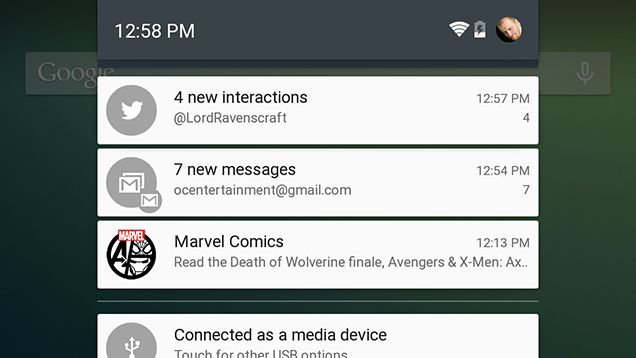
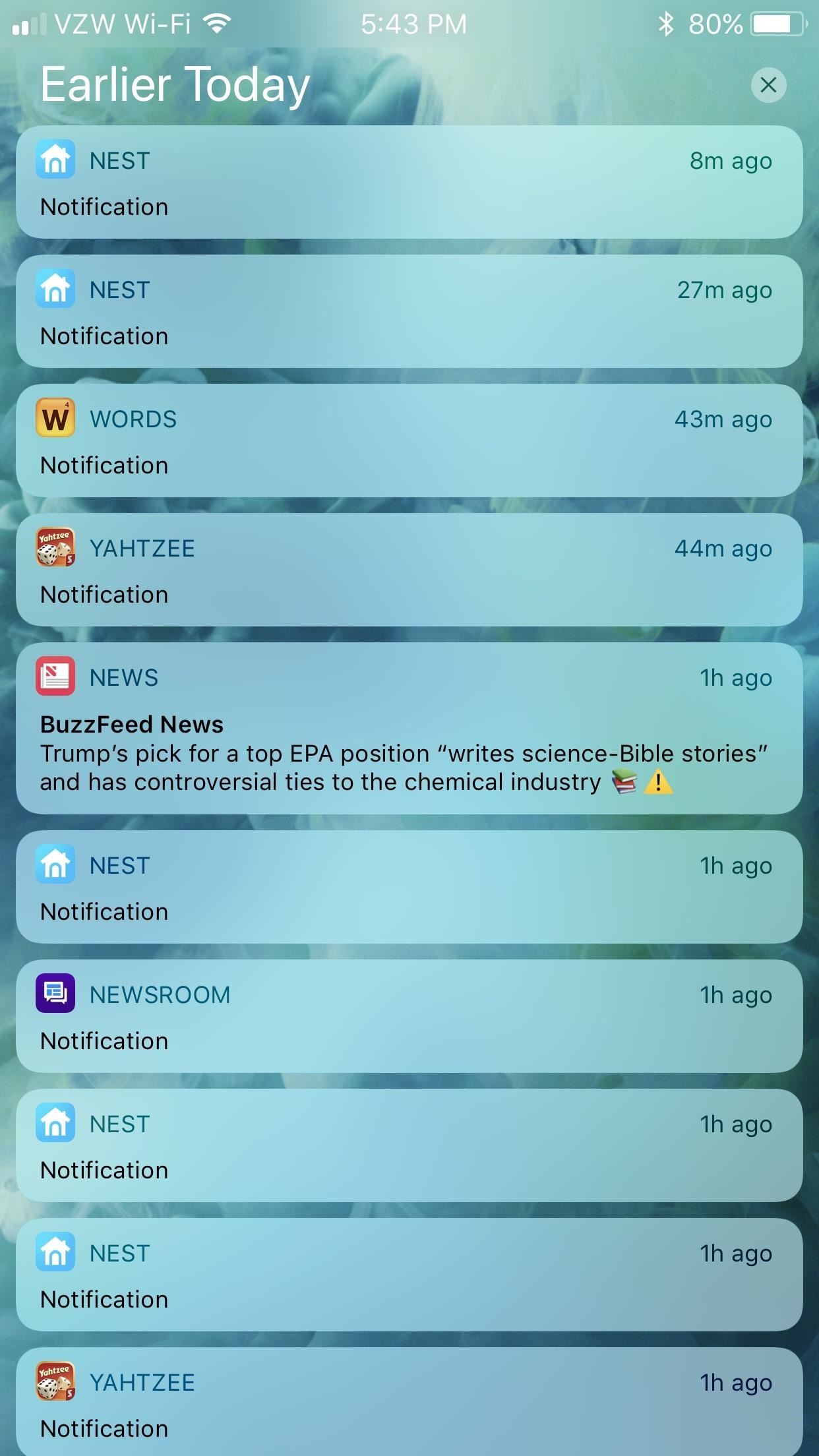
The big issue I’m having with iOS right now is the notification system. I feel like I’ve stepped back in time years. For a while now Android has had the ability to group similar notifications for an app. This makes organizing and clearing notifications very easy.
Along with this difference, clearing notifications takes more interactions. You either have to swipe left and tap, or swipe left twice. With Android, it’s one simple swipe and all of those unwanted notifications for a single app are gone.
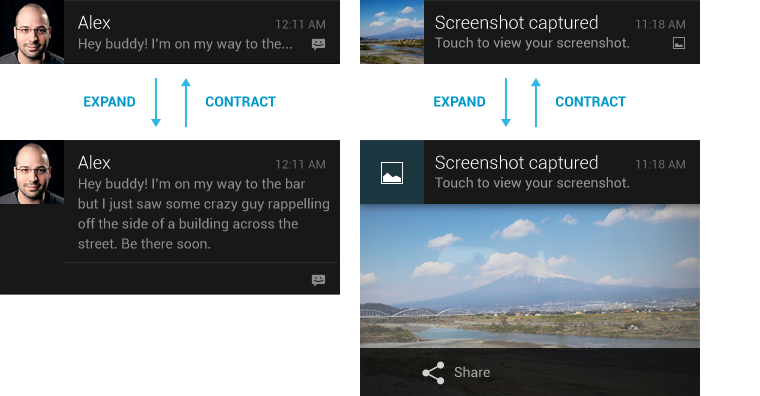
I know this sounds like a silly detail to complain about, but there’s just so much more about the Android notification experience. Many of the notifications are “rich” and provide more details when swiped down, such as image previews, more details, or the ability to reply to messages inline without opening an app.
It may be that iOS has these features as well, and I just don’t know how to use them since these features came to me organically on Android as they were added over the years. Because of that, I won’t hold it against iOS too much, but it’s still points taken away.
The first thing that I’ve learned during my transition to iOS is that the mobile keyboard experience is very subpar compared to Android. The stock iOS keyboard is bad, but even using a third party keyboard like Gboard doesn’t even come close to the experience on Android. The layout requires so many more taps to do simple things like numbers and punctuation.
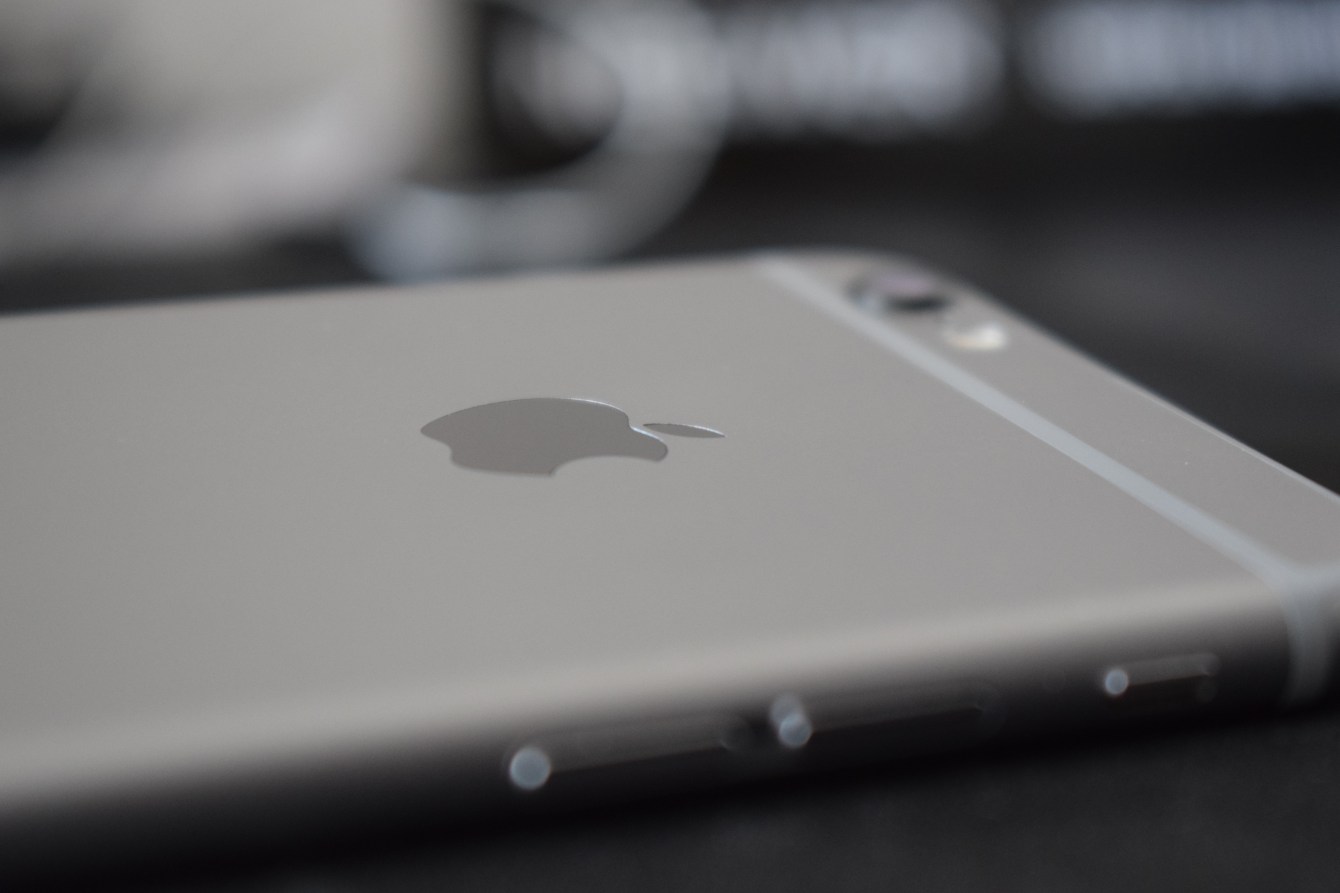
Secondly, the down firing speakers of the iPhone 6s+ are absolutely terrible for consuming media–at least compared to the Nexus 6 and it’s stereo front firing speakers. Trying to watch a video on YouTube, I found myself having to hold the iPhone in an uncomfortable position to get even mediocre sound.
Now, that’s not to say that it’s all bad. The speed of this old iPhone, compared to my Nexus 6 is blazingly fast. All of the OS transitions are buttery smooth, there is absolutely no lag to be seen, and the camera can take pictures faster than I can tap!
The iOS experience doesn’t seem to be created for one-handed use, since I constantly have to stretch far to the top of the screen or exit lazy mode and get my second hand out to tap something at the top. Android’s bottom navigation bar is definitely a better user experience.
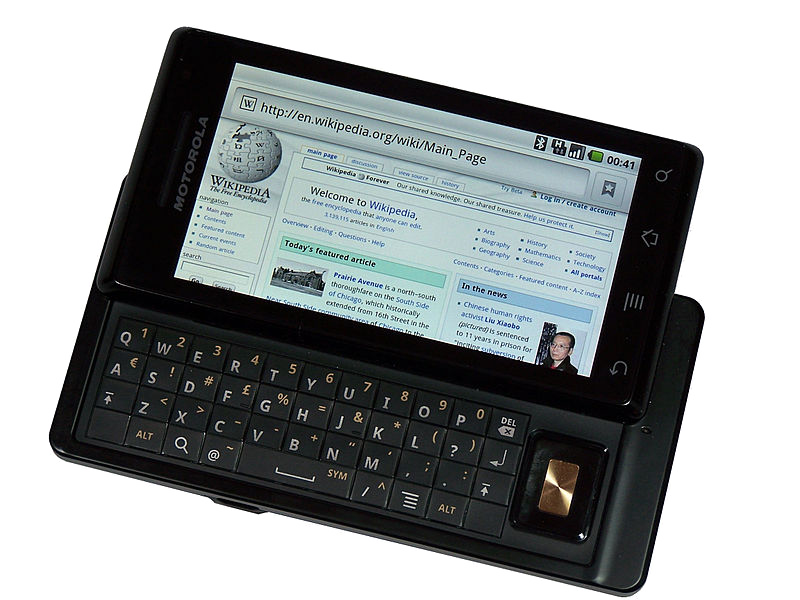
I have been a die-hard Android user since the Motorola Droid (OG Droid) came out in October 2007. The Apple iOS software world has always felt too restrictive for me, since I am forever a tinkerer.
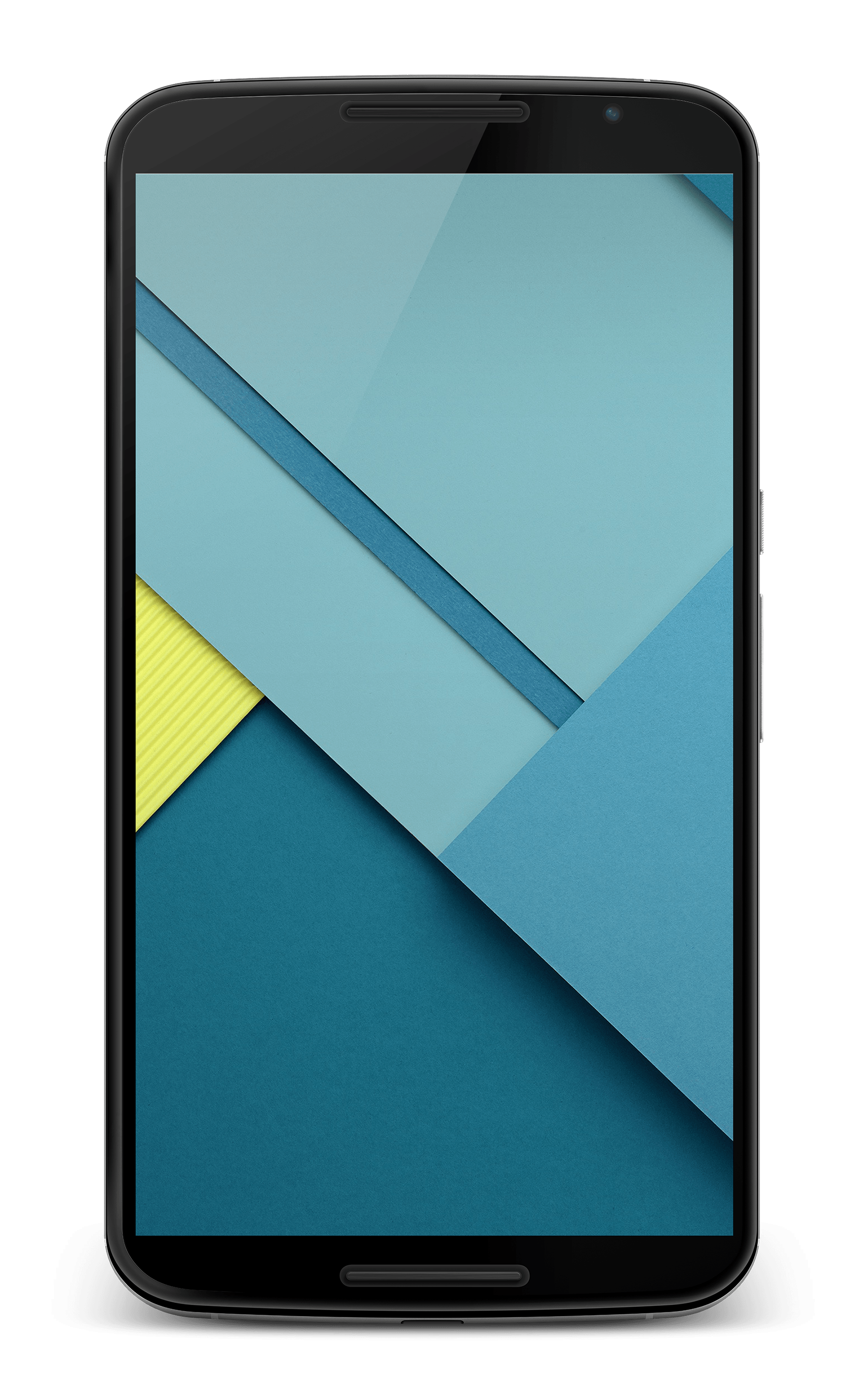
My current phone is a Google Nexus 6 developed by Motorola, released in November 2014. Unfortunately, it’s showing its age. Google no longer sends OTA updates, so I rely on LineageOS to keep me safe and happy. Even with third-party software, the phone is plagued with problems. From incredibly slow encryption to poor CPU throttling when the battery gets low. The camera is also disgustingly slow, taking between 5-30 seconds to take and process a single picture, but at least the resulting images are beautiful.
There are saving graces though, such as the dual front-facing stereo speakers, amazing 6.0 inch 1440×2560 AMOLED screen, optical image stabilization, HDR, Qi wireless charging, and headphone jack 🙂
Unfortunately, it’s time to put my Nexus 6 aside and find a new phone. My wife has been using an iPhone for years now, after switching from Android (2014 Moto X). Today she got a new iPhone 8+, so we’ve come to an agreement that I need to at least try to use iOS for a while.
So tonight, after she migrated all of her apps and data to the new iPhone, I spent some time setting up all of my apps and accounts on her old iPhone 6s+. It’s already been a very alien experience, almost frightening–seeing how little I actually know about the software and hardware.
My plan is to use the iPhone for at least two weeks, and see how I feel about it. This also coincides closely with the release of the new Google Pixel 2 phones, which I will also be looking at. Last year I was very underwhelmed by the Google Pixel line, and felt that the hardware of the iPhone 7+ was much more advanced. If I’m able to thrive, or at least survive, in iOS then perhaps it’s time for me to truly look at switching platforms.
I’m hoping to write about this experience every day or two so that I force myself to look back at how my transition is going. I’m sure there will be many frustrations early on, but hopefully I’ll also have a good number of exciting moments when I get to experience some new and exciting software.
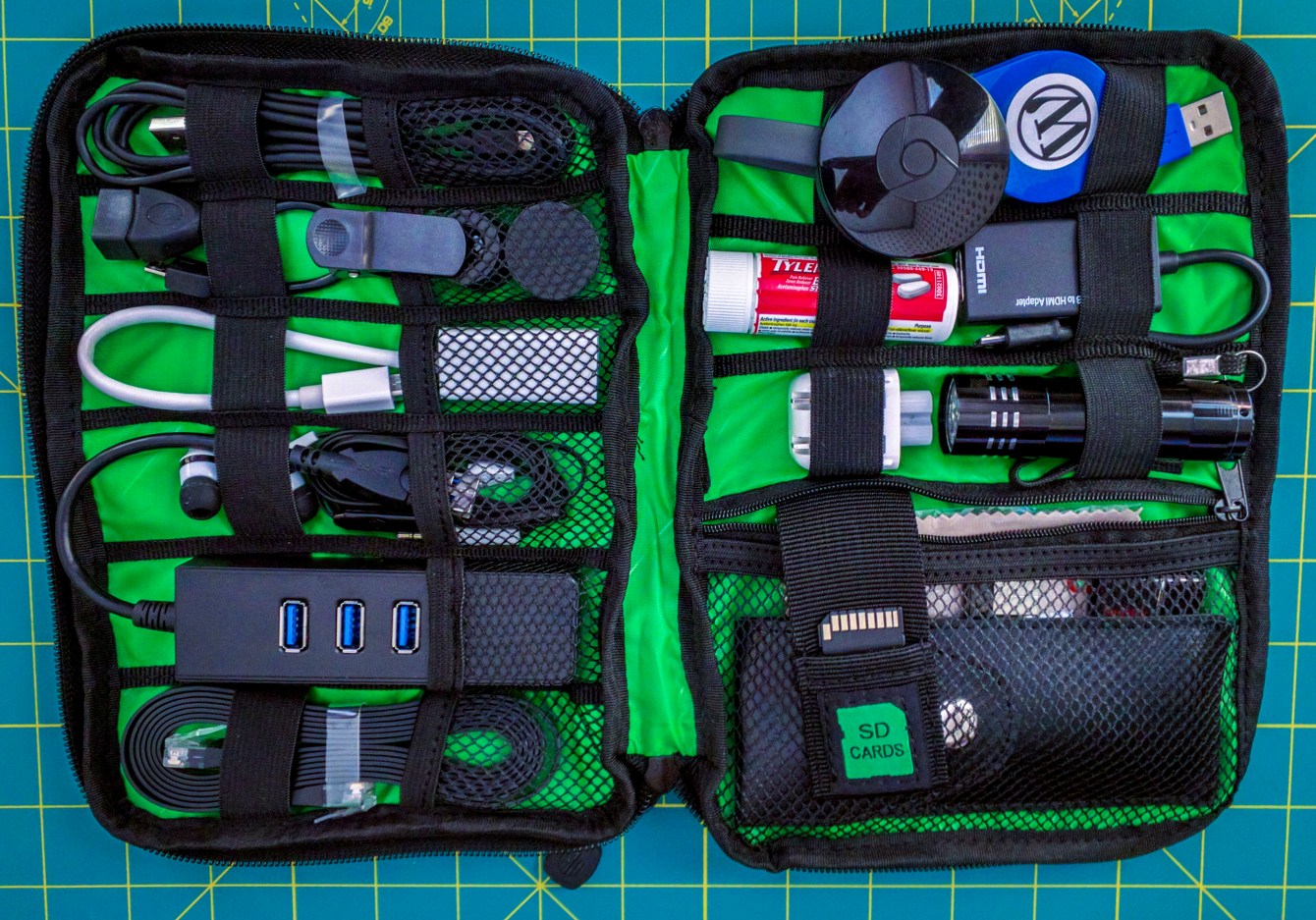
On March 25th I ordered a “Free Shipping SUSINO New Men’s Travel Bag For Storaging Electronic Parts Cosmetic Bag Casual Outdoor Storage Bag” from AliExpress. It was on sale for $6.75, normally $18.24.
To be honest, I wasn’t getting my hopes up about quality. Luckily, I was wrong. Already, I’m enjoying this bag. It’s taken all of the loose and under-fitting items that used to live loosely in the dark depths of my messenger bag and has given them a home.
Glancing at the pictures on my phone while ordering, I had assumed that the layout was a cross pattern of elastic, similar to the Grid-It! organizers. It was not. That’s fine though, because it works well with what it has. I was very happy with all that I could fit inside. I even had enough room left to fit in a couple new items.