
Tag: wordpress

  • Disabling plugin deactivation in WordPress

    Disabling plugin deactivation in WordPress

    The problem came up recently about how to make sure plugins activated in the WordPress plugin UI don’t get deactivated if they are necessary for a site to function.  I thought that was an interesting thought puzzle worth spending 15 minutes on, so I came up with this function as a solution:

    function dt_force_plugin_active( $plugin ) {
    add_filter( 'pre_update_option_active_plugins', function ( $active_plugins ) use ( $plugin ) {
    // Match if properly named: wp-plugin (wp-plugin/wp-plugin.php).
    $proper_plugin_name = $plugin . '/' . $plugin . '.php';
    <pre><code>    if (
            file_exists( WP_PLUGIN_DIR . '/' . $proper_plugin_name )
            &amp;amp;&amp;amp; is_file( WP_PLUGIN_DIR . '/' . $proper_plugin_name )
            &amp;amp;&amp;amp; ! in_array( $proper_plugin_name, $active_plugins, true )
        ) {
            $active_plugins[] = $proper_plugin_name;
            return array_unique( $active_plugins );
        }
    
        // Match if improperly named: wp-plugin/cool-plugin.php.
        if (
            file_exists( WP_PLUGIN_DIR . '/' . $plugin )
            &amp;amp;&amp;amp; is_file( WP_PLUGIN_DIR . '/' . $plugin )
            &amp;amp;&amp;amp; ! in_array( $plugin, $active_plugins, true )
        ) {
            $active_plugins[] = $plugin;
            return array_unique( $active_plugins );
        }
    
        return array_unique( $active_plugins );
    }, 1000, 1 );Code language: PHP (php)

    Which can be activated in your theme’s functions.php like so:

    dt_force_plugin_active( 'akismet' ); or dt_force_plugin_active( 'wordpress-seo/wp-seo.php' );

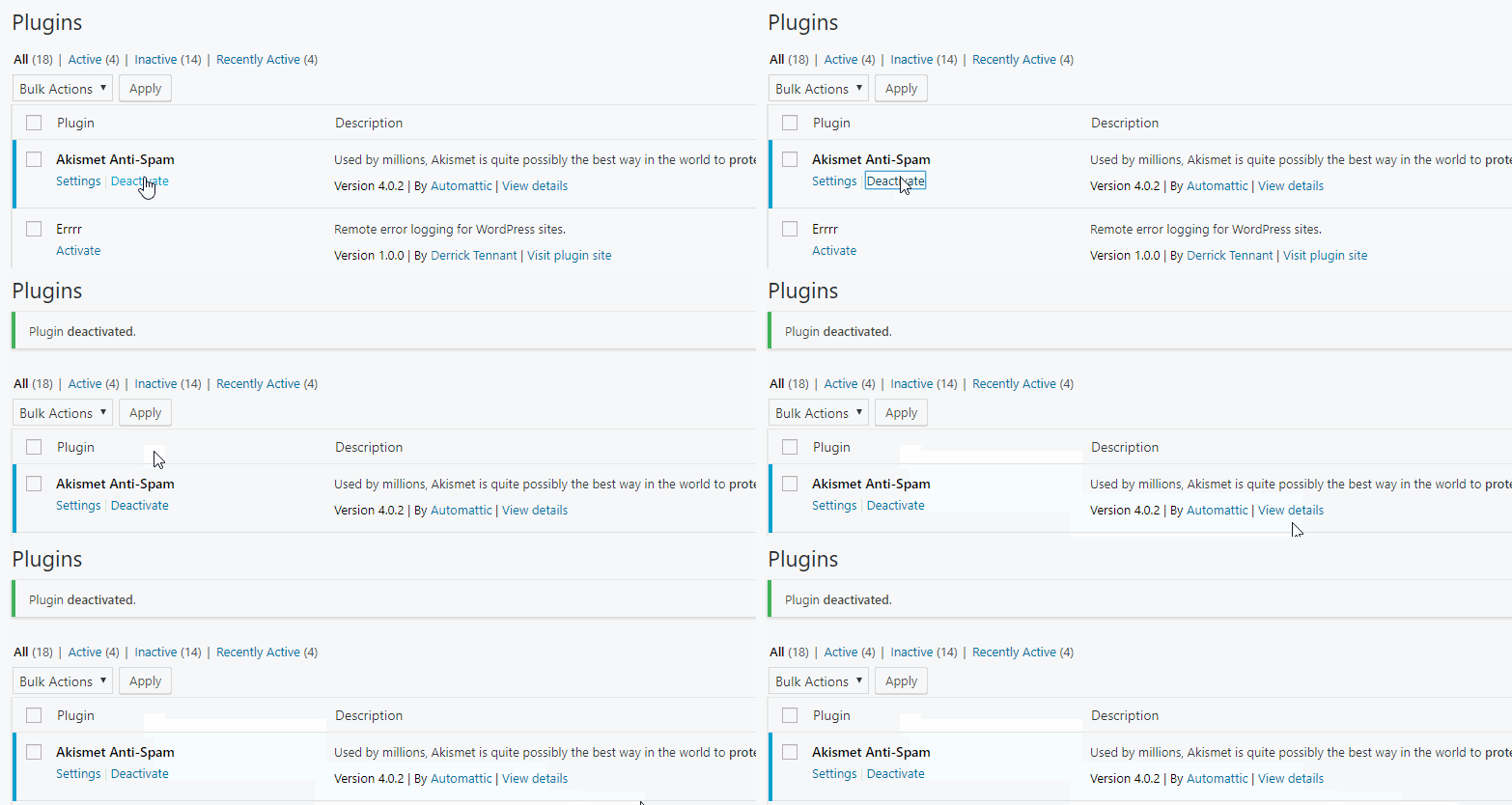
    The only downside that I’ve seen so far is that you still get the Plugin deactivated. message in the admin notices.

  • Auto-Upgrading users in WordPress

    Auto-Upgrading users in WordPress

    I made a small site recently where I wanted all newly registered users from a specific email domain to automatically be administrators (this is a terrible idea, don’t do it).  The user registration was restricted by Single-Sign-On and 2-Factor Authentication, so I felt relatively safe doing this, especially since it was only a “for fun” project.

    The interesting bit of code that upgraded users to admins is as follows:

    add_action( 'user_register', 'upgrade_email_to_admin', 10, 1 );
    function upgrade_email_to_admin( $user_id ) {
    $user = get_user_by( 'ID', $user_id );
    if ( false !== $user ) {
    $email = $user-&gt;data-&gt;user_email;
    
       // Only example.com please.
        if ( false === strpos( $email, '@example.com' ) ) {
            return;
        }
    
        $roles = $user-&amp;gt;roles;
    
        if ( ! in_array( 'administrator', $roles, true ) ) {
            $user_update = array();
            $user_update['ID'] = $user_id;
            $user_update['role'] = 'administrator';
            wp_update_user( $user_update );
        }
    }
    Code language: PHP (php)

    This is 100% insecure, please do not do this 🙂

  • Validating WordPress attachments with WP-CLI

    Validating WordPress attachments with WP-CLI

    I recently worked on migrating a site to a different server and for one reason or another, some of the images did not come over properly. While I could have just re-downloaded and re-imported all of the media, it would have taken quite a while since the media library was well over 100Gb. Instead, I opted to use WP-CLI to help find what images were missing:

    (more…)