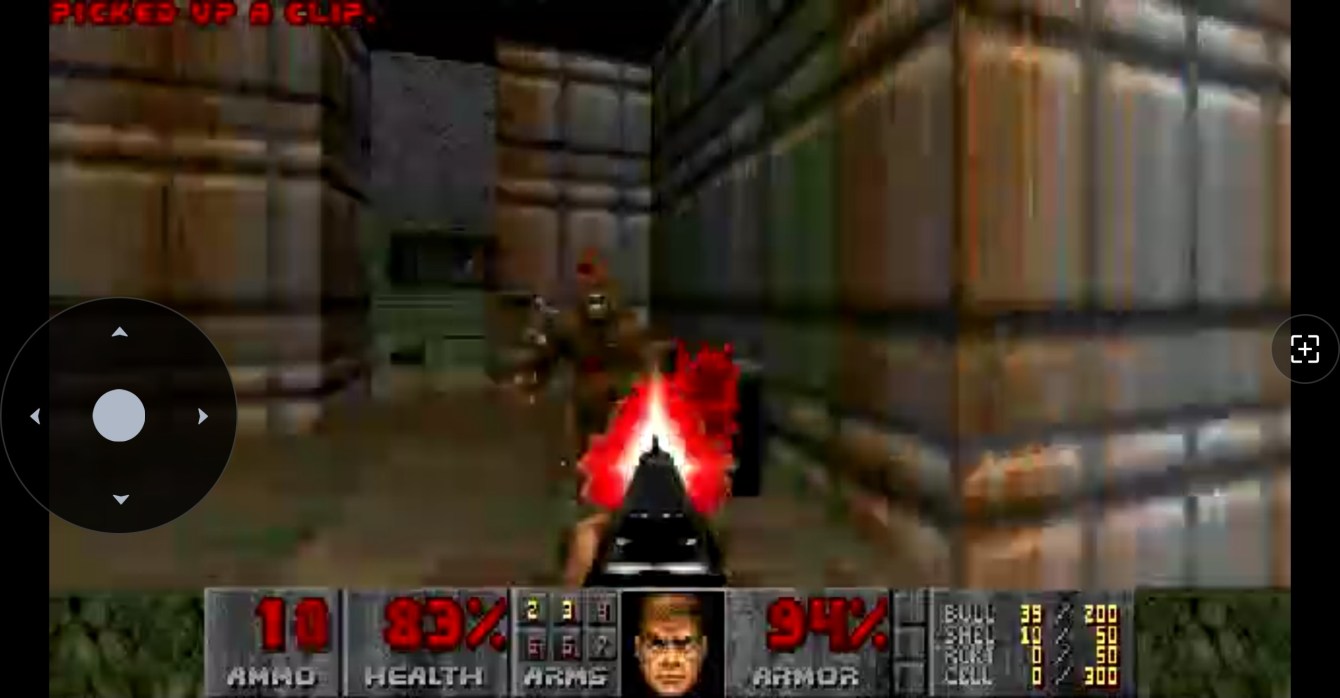
I have a Reolink security camera called the E1 Zoom.
E1 Zoom… E1 Doom?
You see the problem.
Doom’s first episode is E1, the first level is E1M1, and the camera is an E1, so the jokes wrote themselves. And I guess so did the code.
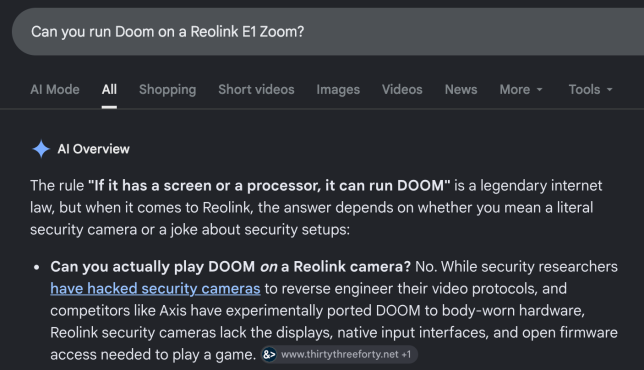
I had four requirements:
- Video
- Controls
- Audio
- DEMONS
I also made up a few rules to keep myself honest, because otherwise I’d have cheated immediately. Doom had to show up in the normal Reolink app as the camera’s normal video stream, which means no running Doom on my machine and pointing the camera at it, and no sneaking in a second video server. The camera had to use its own video and audio encoders, and when I was done it had to go back to being a camera without me pulling the power cable.
Easy peasy pinky squeezy
I say “I built” throughout this post pretty generously. I spent a lot of time working with my AI slop buddies, and they did most of the typing. My main contributions were coming up with bad ideas, testing them on the camera, and repeatedly saying things like “no, not like that” and “okay, but can we cut out the over-engineering?”
It was a healthy working relationship.
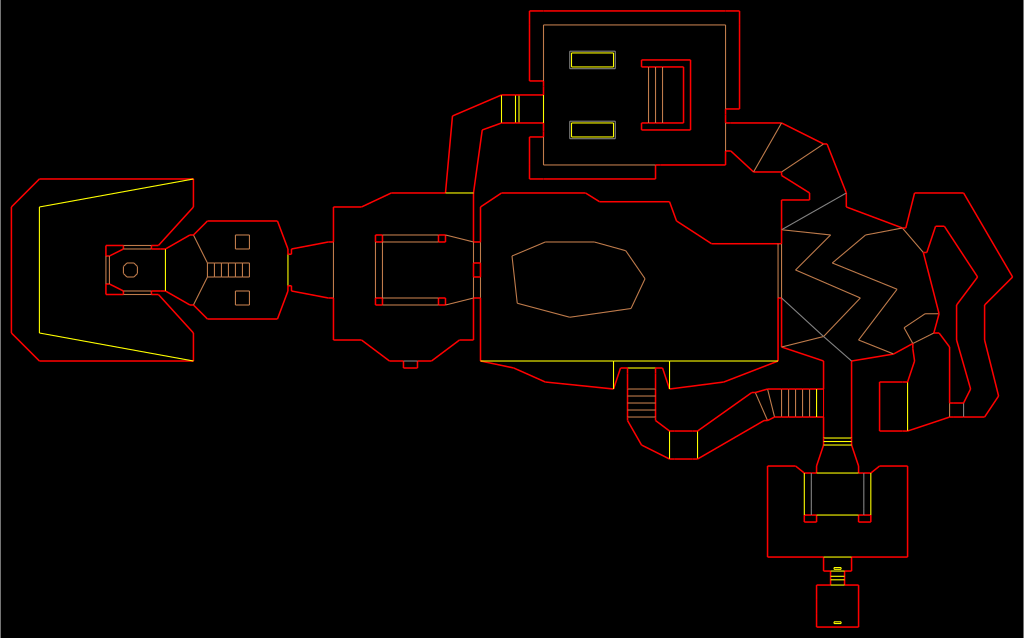
E1M1: Hangar
The camera is a Reolink E1 Zoom E340, and it has two little ARM cores, around 130 MB of RAM, a pile of video hardware, and an SD card (a whole computer, basically). That’s a lot more computer than Doom originally needed, but the original Doom computer also wasn’t busy being a security camera at the same time.
Doom needed a 386 with 4 MB of RAM (but anyone who was there knew that would have sucked), we have 32x the RAM. The camera processor is 24x faster: 6.65 BogoMips on a 386 compared to our 24 the processor tells us we have (2,091 BogoMips adjusted for dumbflation)
I’m not covering how I got root on the camera. This story starts after that part already works, and if you want to repeat it, figuring that out is on you.
I used Woof 15.3.0 as the Doom source port, because it already does widescreen and modern resolutions, and gutting a desktop port turned out to be easier than building a tiny embedded one up. Out went everything that assumes you have a monitor, replaced with a small camera-shaped layer instead.
For the actual game I used the official Doom v1.9 shareware WAD, so it’s real E1M1, real sounds, real music, real demons. Accept no substitutes.
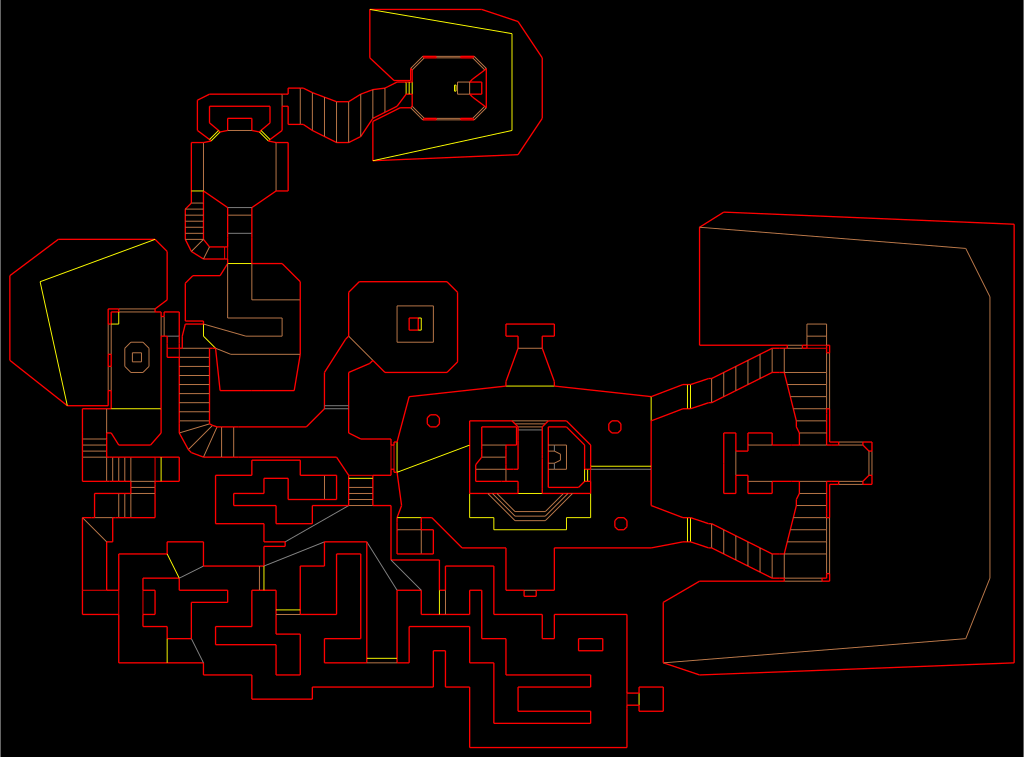
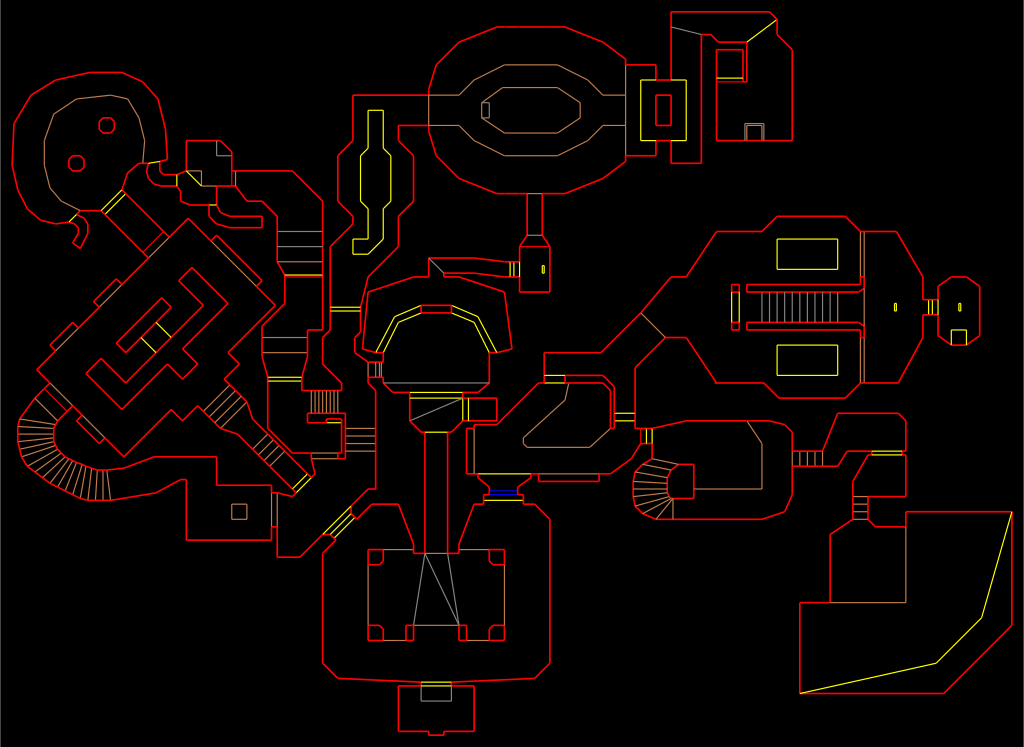
E1M2: Nuclear Plant
The camera already runs several video encoders, and the Reolink app’s Fluent mode uses a 640×360 stream, so the least bad way to do this was to shove Doom into that pipeline before it reaches the encoder.
Woof renders its frame into shared memory, and a small worker loaded inside Reolink’s own camera process picks that frame up, converts it into the overlay format the camera already understands, and slaps it over the whole video frame.
Then the camera just does camera stuff. Beep boop. Its own hardware encodes the frame, its own buffers carry it, and whatever Reolink normally does to get video to your phone happens exactly as usual.
There’s no special Doom video URL anywhere. I open the Kitchen camera in the Reolink app and my kitchen has been replaced by Phobos.
Perfect.
E1M3: Toxin Refinery
My first working video was technically Doom, but it was a 4:3 image sitting in the middle of the camera feed with black bars around it.
No no, this will not do. The whole camera needed to be Doom.
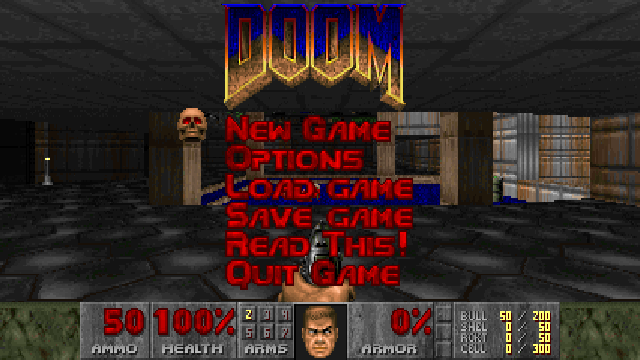
So the final setup renders a real 426×200 widescreen view and scales it over the entire camera frame. It isn’t a stretched 320×200 image either, so you actually get the wider field of view and the status bar sits where it should.
Then I got this:
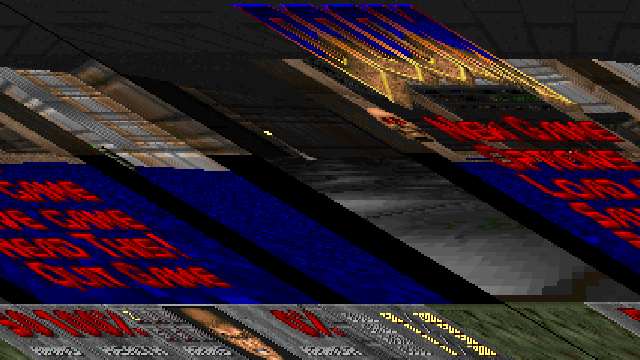
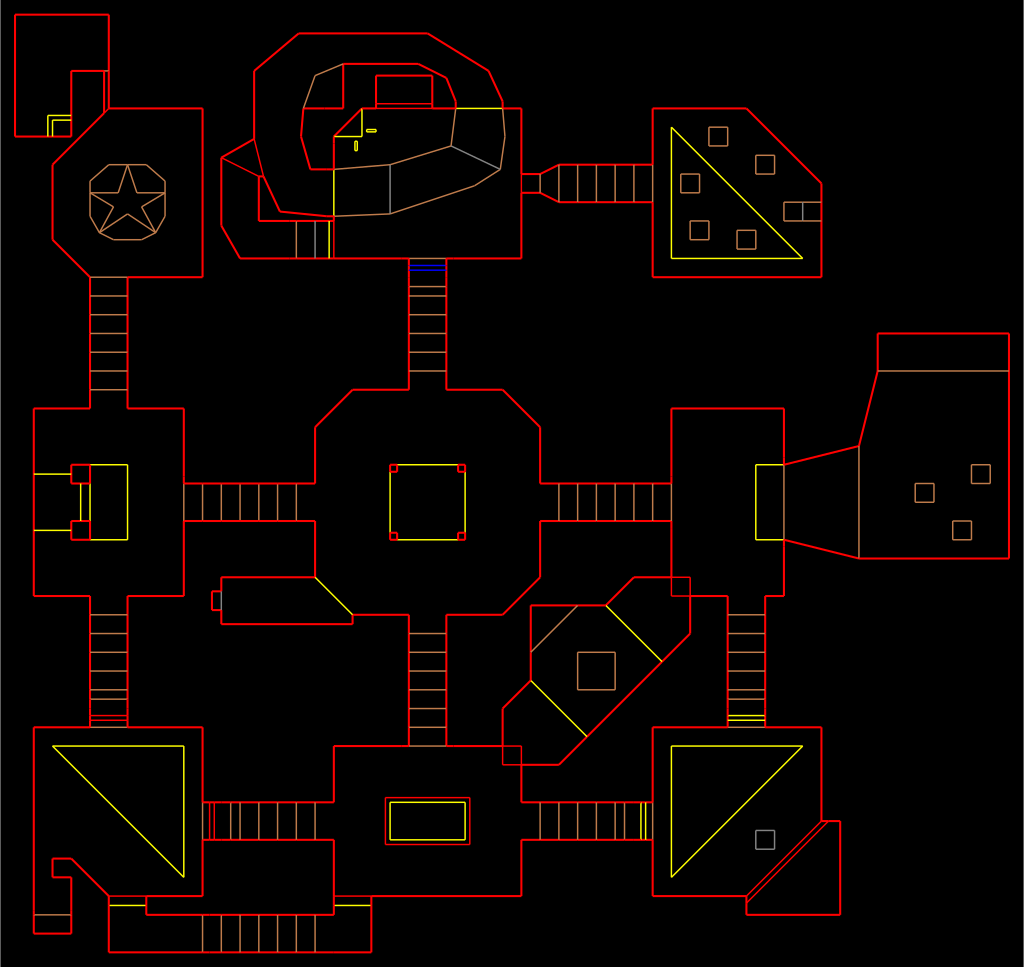
Every row was shifted a little farther sideways than the one above it, and it looked like the camera was falling into a very low-budget dimensional portal.
The image was 426 pixels wide, but each row was aligned to four bytes, so the actual row pitch was 428 bytes. I was advancing 426, which meant every row started two bytes too early.
Changed 426 to 428. Fixed.
The demons were fine. The stride was wrong.
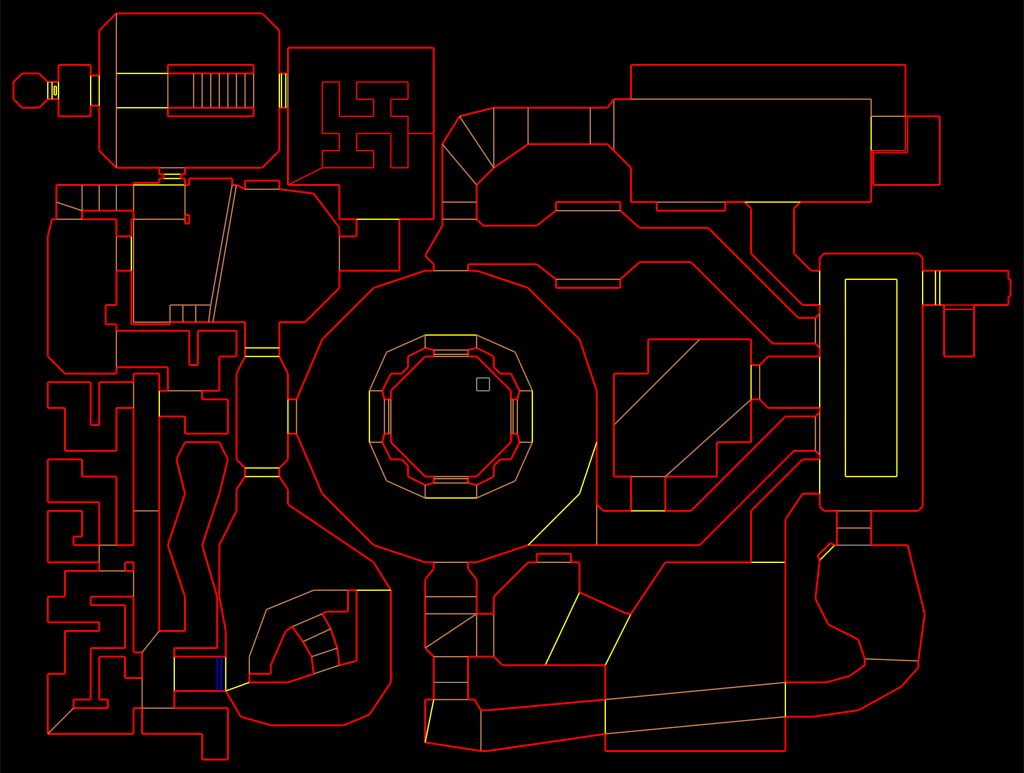
E1M4: Command Control
The E1 Zoom has a pan/tilt/zoom control pad in the app, which is obviously a Doom controller. Up, Down, Left, Right, Zoom to fire, maybe Focus to open doors. This was going to be great!
Except the Zoom button doesn’t send anything useful, it just opens another zoom menu, and Focus and presets are buried behind more menus too.
So I had… four buttons.
I hooked the camera’s own command handler, so when Doom is running, direction presses get intercepted before they reach the motors and turned into key presses instead. The motors are, I think, grateful.
The extremely good control scheme is:
- Up/Down: move forward and backward
- Left/Right: turn
- Double-tap Up: Fire + Use + Enter, all at once
- Hold Down for three seconds: return to the camera
Yes, double-tap Up may fire your gun while opening a door, but nobody is speedrunning this over a security camera stream (please don’t try).
To start Doom from the app, I also added a secret code:
Up, Up, Down, Down, Left, Right, Left, Right
Why not go for the full nerd points.
There was one extremely Reolink complication. A normal short tap in the iPhone app doesn’t send the direction you tapped, it sends a directionless stop, and only held buttons send real directions. So the code still works for playing, but the listener watching for my secret code is really just seeing eight timed stop events. On screen I enter Up, Up, Down, Down, Left, Right, Left, Right, and inside the camera it’s technically “tap eight arrows.” I have decided this still counts.
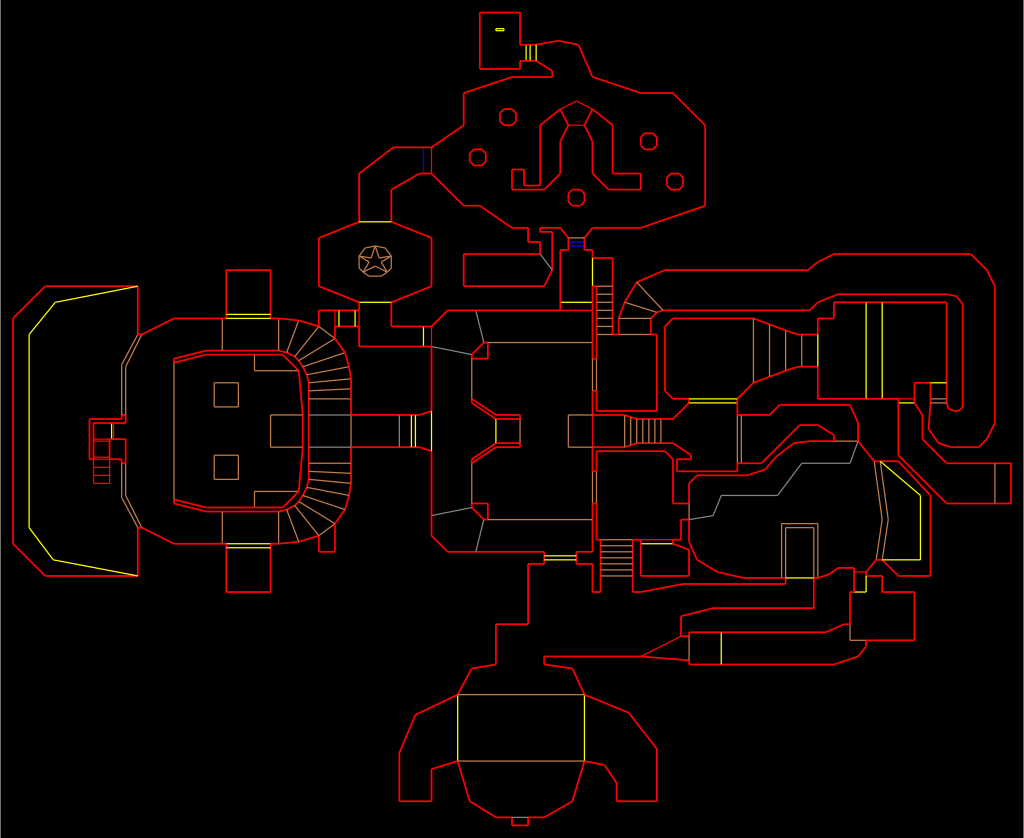
E1M5: Phobos Lab
Four buttons proved the point, but playing Doom that way is terrible, and I still needed menus, weapons, run, fire, use, Escape, and everything else.
So I built a tiny web server with a keyboard controller on it. On port 666, obviously.
The page doesn’t carry any video, since I keep the Reolink app open for that. It just captures real key presses and forwards them to Doom, so you get the normal Doom controls, plus buttons to start Doom, return to the camera, and release any stuck keys. I slopped the whole page up to look like a little 1995 deathmatch setup utility.
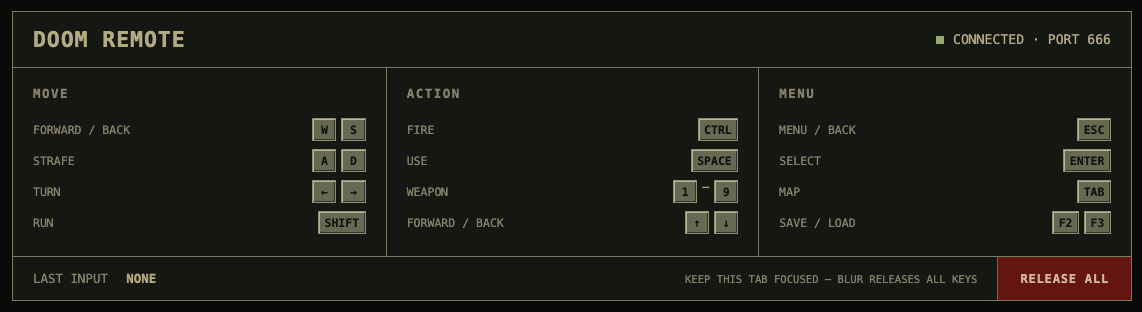
Here are the mockups that I didn’t ship because they were just too much.


Browsers love to lose a key-up event when you switch tabs, so the page releases everything you’re holding the moment it loses focus, and there’s a heartbeat running underneath that. If the heartbeat stops, Doom lets go of everything instead of running face-first into a wall forever.
This is an unauthenticated toy server running as root on my LAN. It is not an enterprise deployment of Doom port 666. Please be serious.
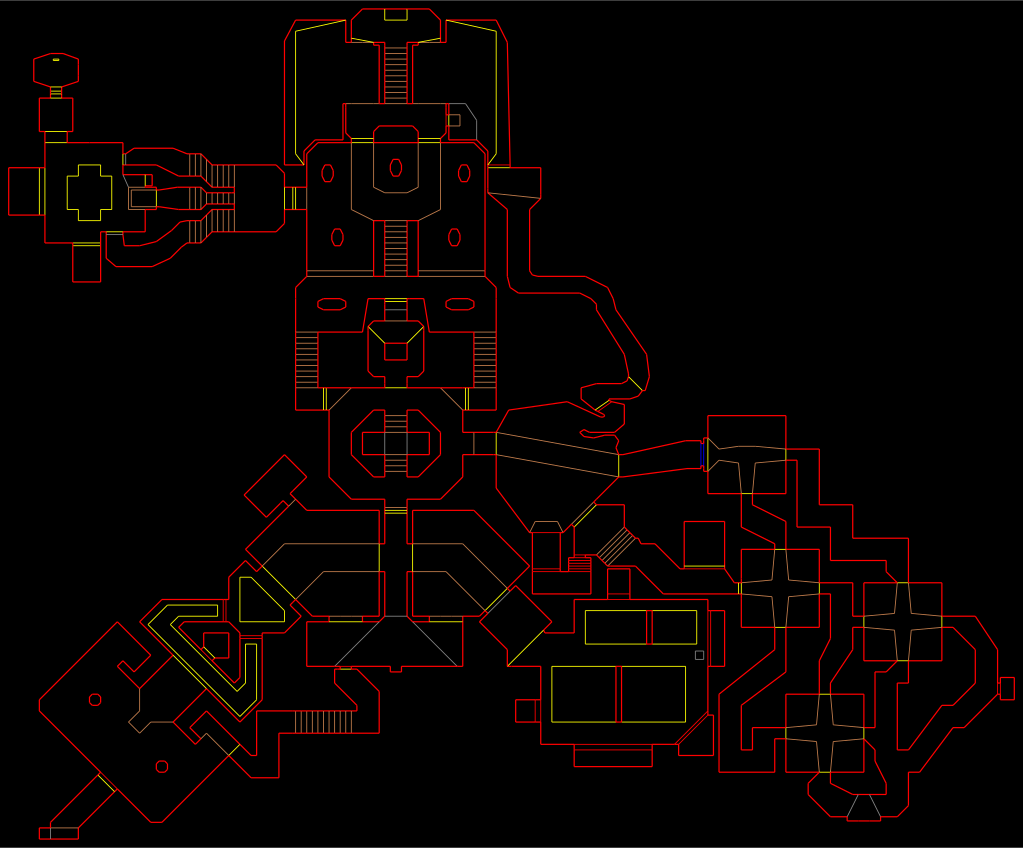
E1M6: Central Processing
Video and controls worked, so now I needed sound.
The camera microphone already hands off little blocks of raw audio to the camera’s audio encoder, so I added another small hook right before that handoff. When Doom isn’t running the hook does nothing at all and the microphone works normally, and when Doom is running it swaps the microphone audio for Doom audio. The camera’s own encoder and audio stream do the rest.
For sound effects I wrote (“wrote”) a 16-voice mixer for Doom’s original sound lumps, handling volume, pitch, and resampling. Music runs on a stripped-down emulator of the sound chip Doom’s music was written for in the first place, borrowed from the rp2040-doom project, which uses a lot less CPU than the fancier version I started with.
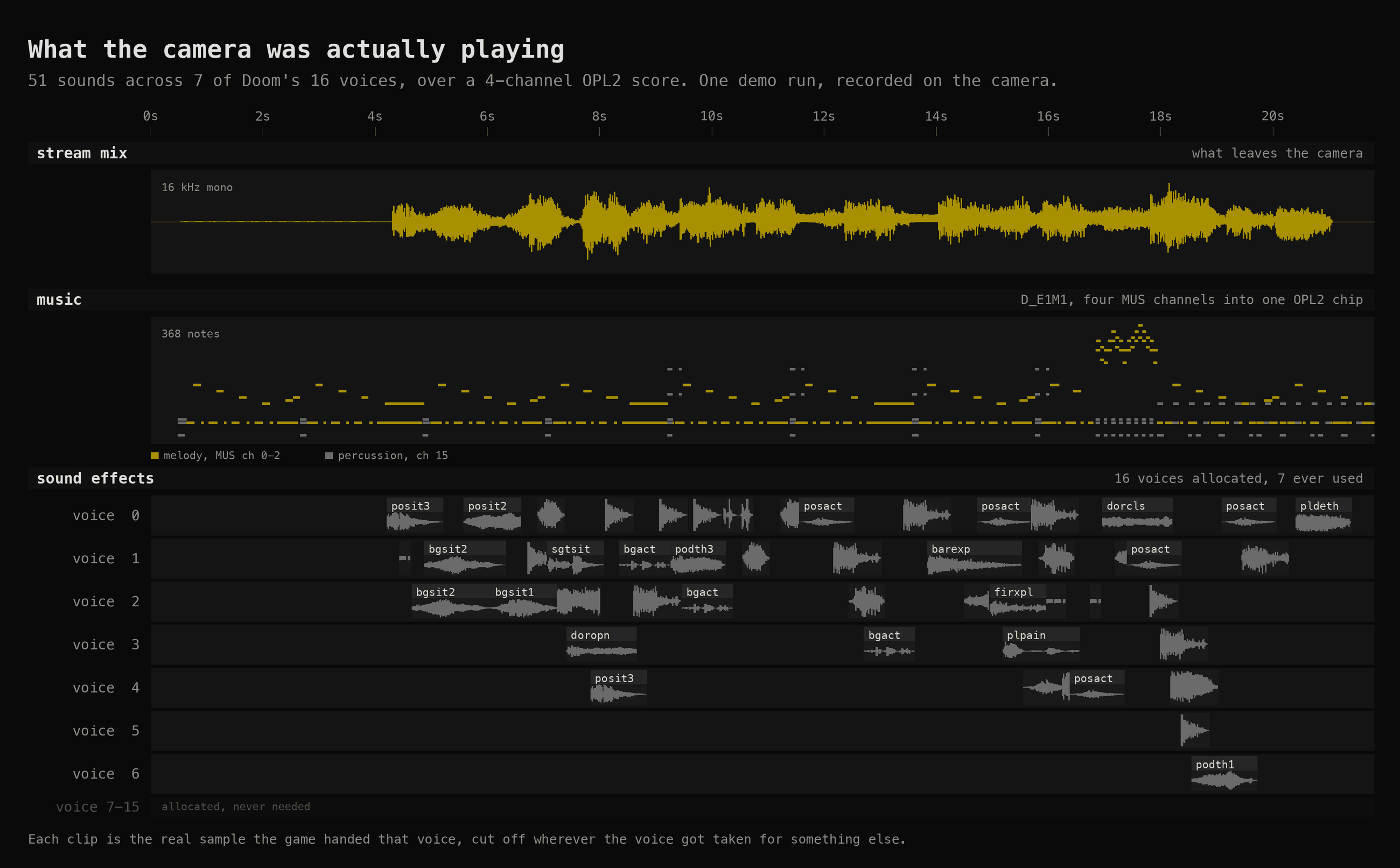
If Doom audio ever runs dry I output silence, because the alternative is accidentally cutting back to the kitchen microphone, and nobody needs hot-mic jump scares in E1M1.
I spent a while convinced none of this worked, because I still couldn’t hear anything in the app. Turns out the Reolink Home Hub mutes camera audio until you enter listening mode, and opening the control pad can mute it again, all while the camera is happily sending perfectly good Doom audio the entire time.
I tapped the speaker button. Audio worked.
Good debugging session.
E1M7: Computer Station
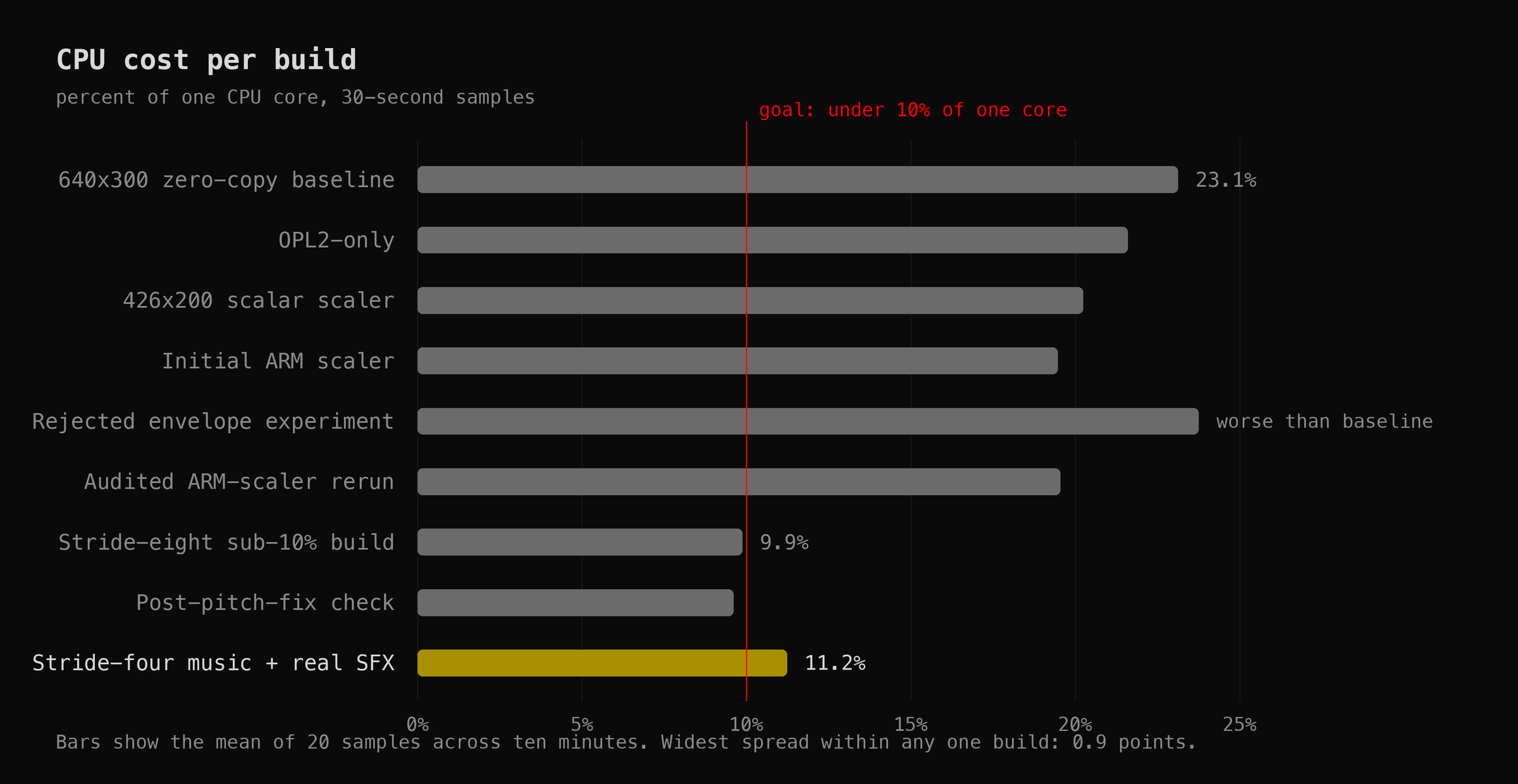
At this point the camera could run Doom, so naturally I decided it was using too much CPU. Why? No idea. It ran fine. But the camera still had to do its actual job at the same time, and I wanted Doom under 10% of one core with nothing dropped.
The biggest fix was embarrassingly obvious. Doom was rendering around 28 frames a second, but the camera stream was only configured for 10, so most of those frames were being thrown away. I had been very carefully optimizing frames that nobody would ever see! Now the runtime reads the camera’s configured frame rate and Doom only renders what the stream can actually use.
I kept asking whether fancy vector instructions would make it faster, but palette conversion is mostly random lookups and this chip doesn’t have a useful gather instruction, so boring regular ARM instructions won. Slightly disappointing, but… faster is faster.
The fastest build I got hit 9.87% of one core, or under 5% of the whole camera, so technically I hit the goal (technically). Then I turned the real sound-effect channels back on and raised the music quality, because it sounded better, and the build I actually kept sits at 11.23% instead. Slightly worse benchmark. Noticeably better Doom. Worth it!
I could probably keep optimizing this forever, but I had already spent an afternoon profiling a once-per-second “is Doom still changing?” check on a security camera running Doom, and at some point you have to stop and think about choices you’ve made in life.
E1M8: Phobos Anomaly
Then the camera froze and rebooted. Sigh.
It happened while I had the controller page open, so keyboard traffic was the obvious suspect. I hammered it for almost two minutes, opening menus, moving, firing, using things, and cycling keys far longer than the original failure had taken, and everything was completely fine (of course it was).
Well then…
The useful clue came from a log on the SD card, where some of the camera’s important threads were showing up stopped during cleanup. I had a tool that double-checked I’d restored the camera’s original instructions correctly, and although it only ever read memory, it did that by freezing all twenty-odd threads in the camera process, peeking, and starting them again. Cleanup ran it several times.
Meanwhile, Reolink’s own supervisor process owns a 60-second hardware watchdog, and it only feeds that watchdog while the camera’s internals look healthy. So: freeze the video and audio threads at exactly the wrong moment, miss a heartbeat, wait 60 seconds… reboot.
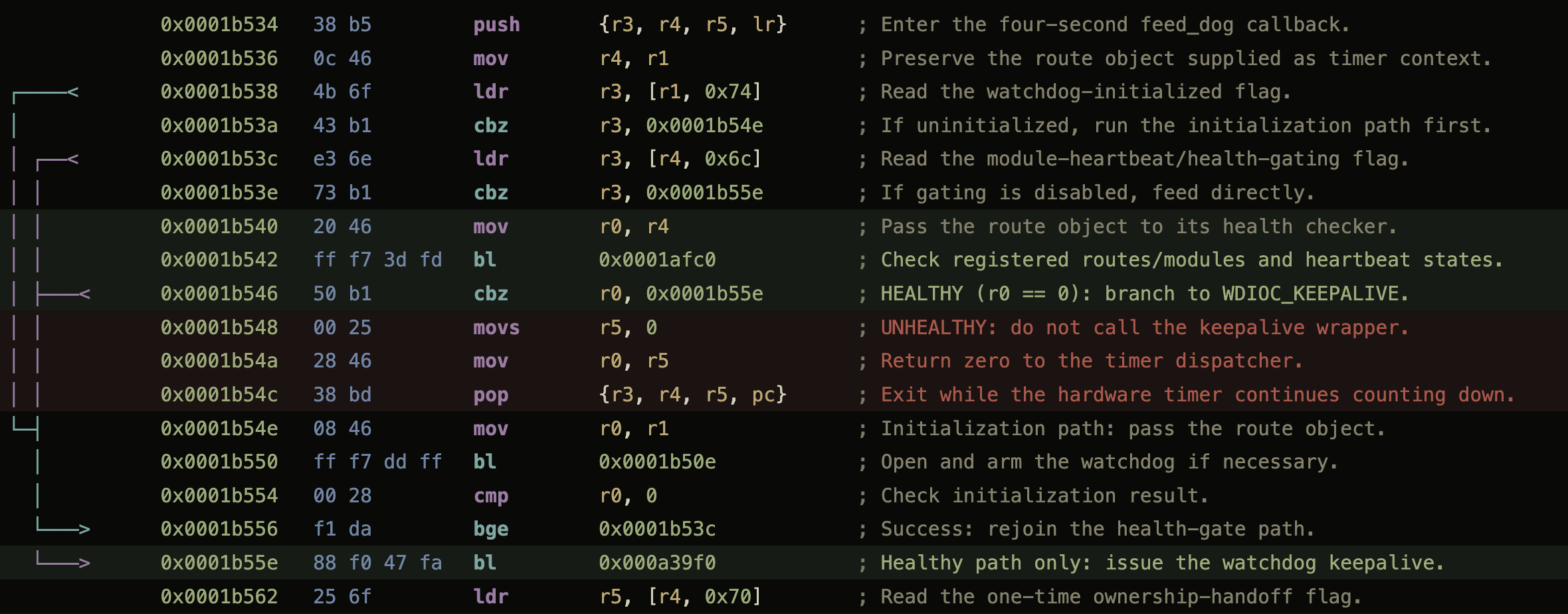
The timing matched. So I changed the read-only check to peek at memory without freezing anything, and now only the two operations that genuinely rewrite instructions pause the camera at all. The stopped threads disappeared from the logs.
The original reboot wiped its own logs, so I can’t prove the exact moment it missed that first heartbeat. But the timing lines up, the stopped threads are right there in the log, and it hasn’t happened again since I stopped freezing things.
The final boss was cleanup code. Sounds about right.
E1M9: Military Base
I originally packaged everything into a tidy read-only image on the SD card, which was lovely right up until every single test meant uploading the whole thing over my spotty Wi-Fi to change one file. So now it’s just a folder.
A tiny boot service starts the controller and the secret-code listener, and that’s all it does. It does not start Doom (that’s the point). The camera sits there armed, looking completely normal, until I press Start or enter the code on the control pad, and the game, the renderer, the music, and everything else genuinely don’t exist until I ask for demons. There’s no reason to make a security camera run Doom all day just because it can!
A firmware update also moved every address I’d carefully found, because apparently I didn’t have enough problems. Hard-coded offsets would have made this a one-firmware trick, so now the runtime finds everything it needs by pattern-matching the camera’s own code at startup, and if anything looks missing, duplicated, or generally wrong, it gives up before touching the camera. This does not magically preserve root through a firmware update, mind you. That’s a separate problem, and I’m still not covering it.
The service gets exactly one attempt at startup. If a firmware update broke something, it gives up and the camera stays a camera. No heroic restart loop.
Quitting is the best part. The music cuts out, the original Doom death sound plays, and Doom melts away in columns while my actual kitchen appears underneath it.
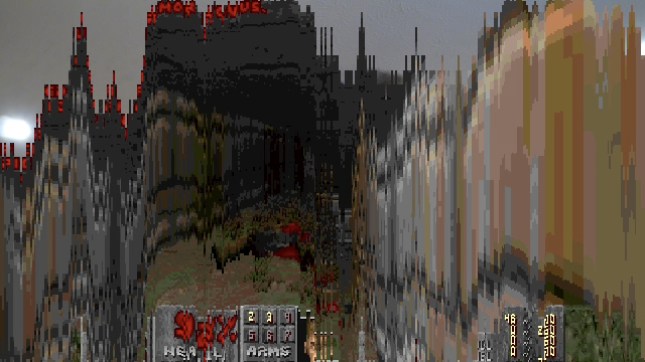
Then the microphone comes back, the game exits, and the control pad goes back to moving the camera like nothing happened. The controller page stays up, waiting for another bad idea.
So, can the E1 Zoom run E1 Doom?
Hell yeah it can! 🤘
It runs the real shareware Doom in the normal Reolink app, using the camera’s own video and audio encoders. It has music, sound effects, a control-pad Doom controller, a full keyboard controller on port 666, and a proper Doom melt back to my kitchen.
Video. Controls. Audio. DEMONS!
The patches are on GitHub: emrikol/e1-doom.
I have no idea what practical purpose any of this serves. Sigh.

Leave a Reply